VETSCAN SA USER’S MANUAL v 1.1 SOFTWARE |
30
Maintenance
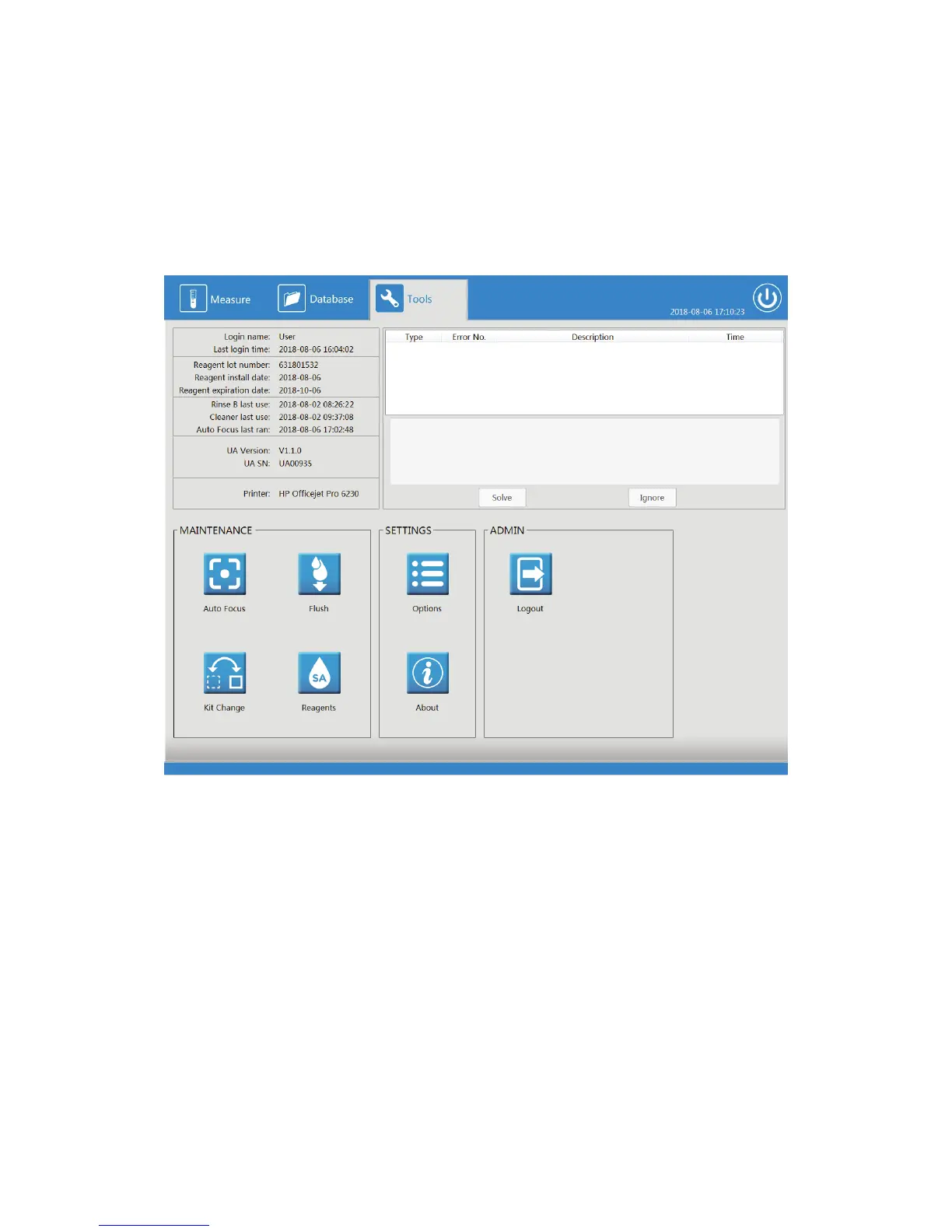
Under the Tools selection from the top menu, all the maintenance buttons are provided. Important
information is presented along the top left panel indicating login information, reagent lot and
expiration, last use of Rinse B, last use of Cleaner, Auto Focus last use, and connection information.
On the right, a Warning and Error Handling Table is displayed with Solve and Ignore functions
listed on the bottom. These functions are quick shortcuts to complete maintenance requirements
or handle error conditions that are automatically alerted through the software to the user.
Tools Menu



 To Next Page