VETSCAN SA USER’S MANUAL v 1.1 SOFTWARE |
36
Settings
Under the Tools selection from the top menu, two Settings buttons are provided.
1. Options: designed for setting up external printer, printer settings, and
inputting clinic information to be included on printout. Also the UA
connection settings can be verified. See Appendices B and C for instructions.
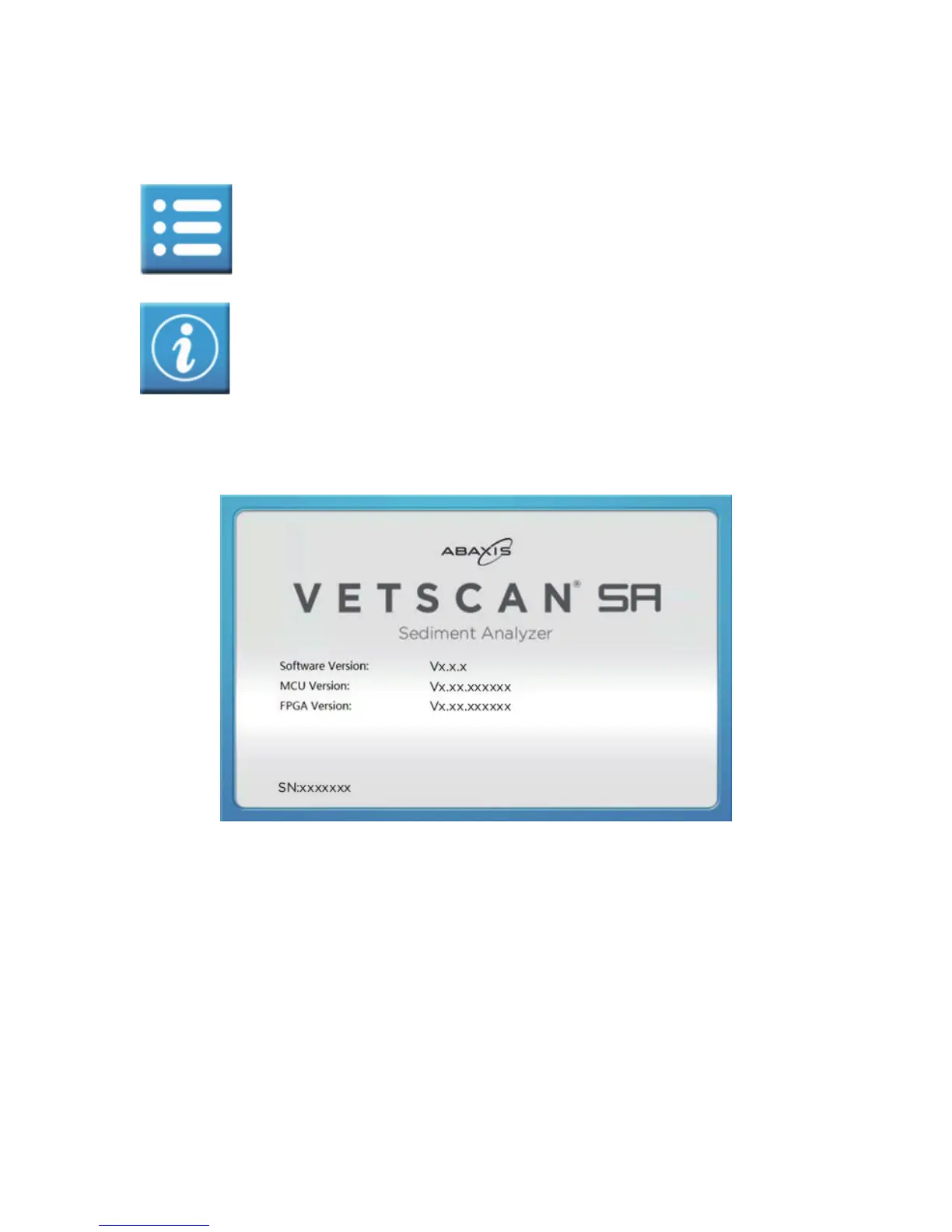
2. About: details on VETSCAN SA software versions and serial number.



 To Next Page