VETSCAN SA USER’S MANUAL v 1.1 SOFTWARE |
32
Cleaner Reagent Cycle
A Cleaner Reagent Cycle is required once per week. The SA software automatically alerts the
user when this is required with an alert in the Warning and Error Handling Table:
Type Error No. Description Time
Warning W11 Cleaner use is due YYYY-MM-DD HH:MM:SS
To run a Cleaner:
1. Select the cleaner warning on the Warning and Error Handling Table and click “Solve” button
or
2. Select the Reagents button in the Maintenance section and select Cleaner.
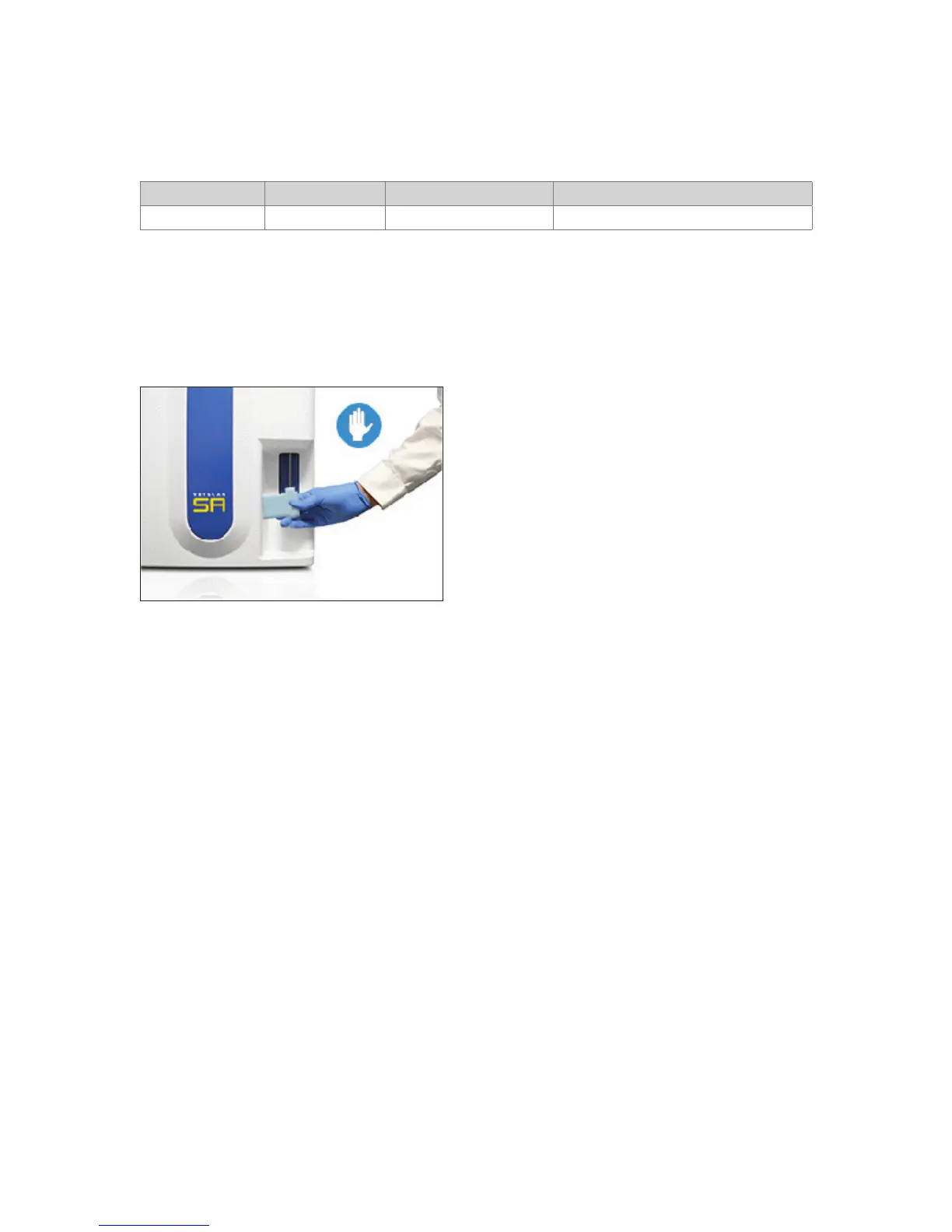
Follow pop-up screens. Place Cleaner reagent bottle under the sample probe and press blue
start paddle. Ensure sample probe touches bottom of bottle and maintains contact until the
probe starts to move back up.
The Cleaner Reagent Cycle takes approximately 5 minutes to complete. Additional runs of
Cleaner are recommended if debris are observed in repeated measurement images. Refer to
Appendix H: Troubleshooting for more information.
Caution: Be sure to wear gloves while handling Cleaner Reagent.



 To Next Page