12 Installation and start-up
First start-up
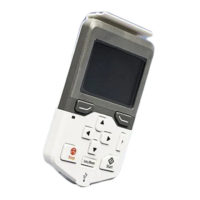
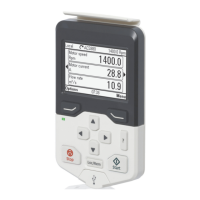
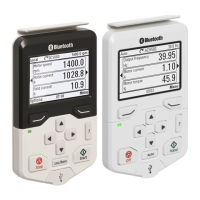
To start-up the control panel for the first time,
follow the instructions:
1. Make sure that all drive-specific safety
precautions have been taken into account.
2. Install the control panel as instructed in
Installation (page 11).
3. Power up the drive.
The control panel start-up begins
automatically.
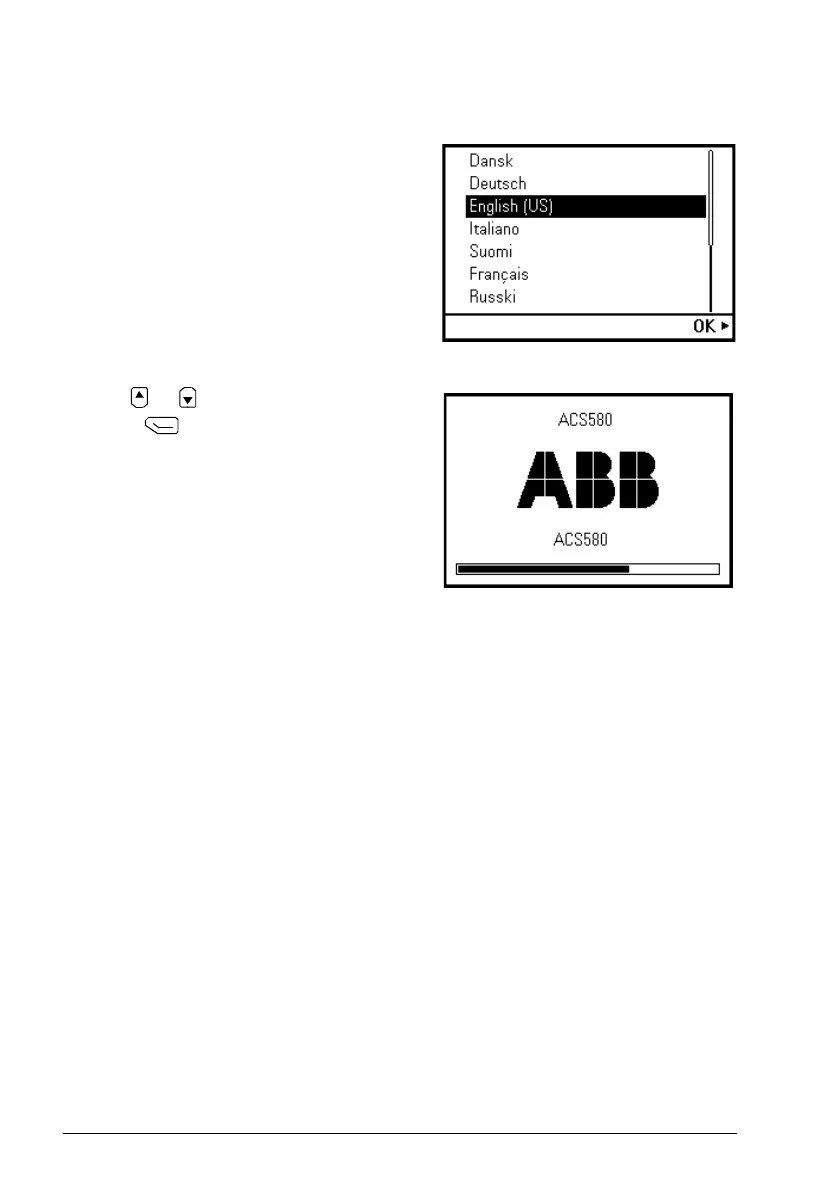
Wait until the control panel
shows the language selection view.
4. Use or to select a language.
5. Press to confirm your selection
.
Wait until the control panel completes
uploading the language file. Its progress is
indicated by a progress bar.


 To Next Page