Installation
50
Step 5: Final con-
firmation
This is the fifth step to make the system work after installing the Arc monitor.
Use this procedure to confirm that all Start-Up settings are done.
In the Start-up menu do the steps below:
1. Press OK. All settings done. The system is now ready to run accordingly and
will return to Start window.
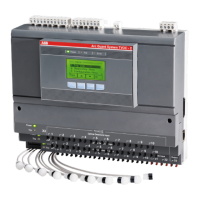
2. Check that the green LEDs "Power" on left side of extension modules on Arc
Monitor is lit.
3. Check that the Green LED "Power" on HMI is lit.
4. Check that HMI is showing text.
Note!
After completed Start-Up Sequence at the first time installation the complete
sytem needs checking.
This includes checking that the detectors and HMI works as intended.
For more information how to check the detectors and HMI, See the chapter
“Controlling” on page - 51.


 To Next Page