Human Machine Interface, functions
65
Checking the trip
log
To check the Trip Log from the Start Menu do the following steps:
1 Select 1. Trip Log
2 Press OK
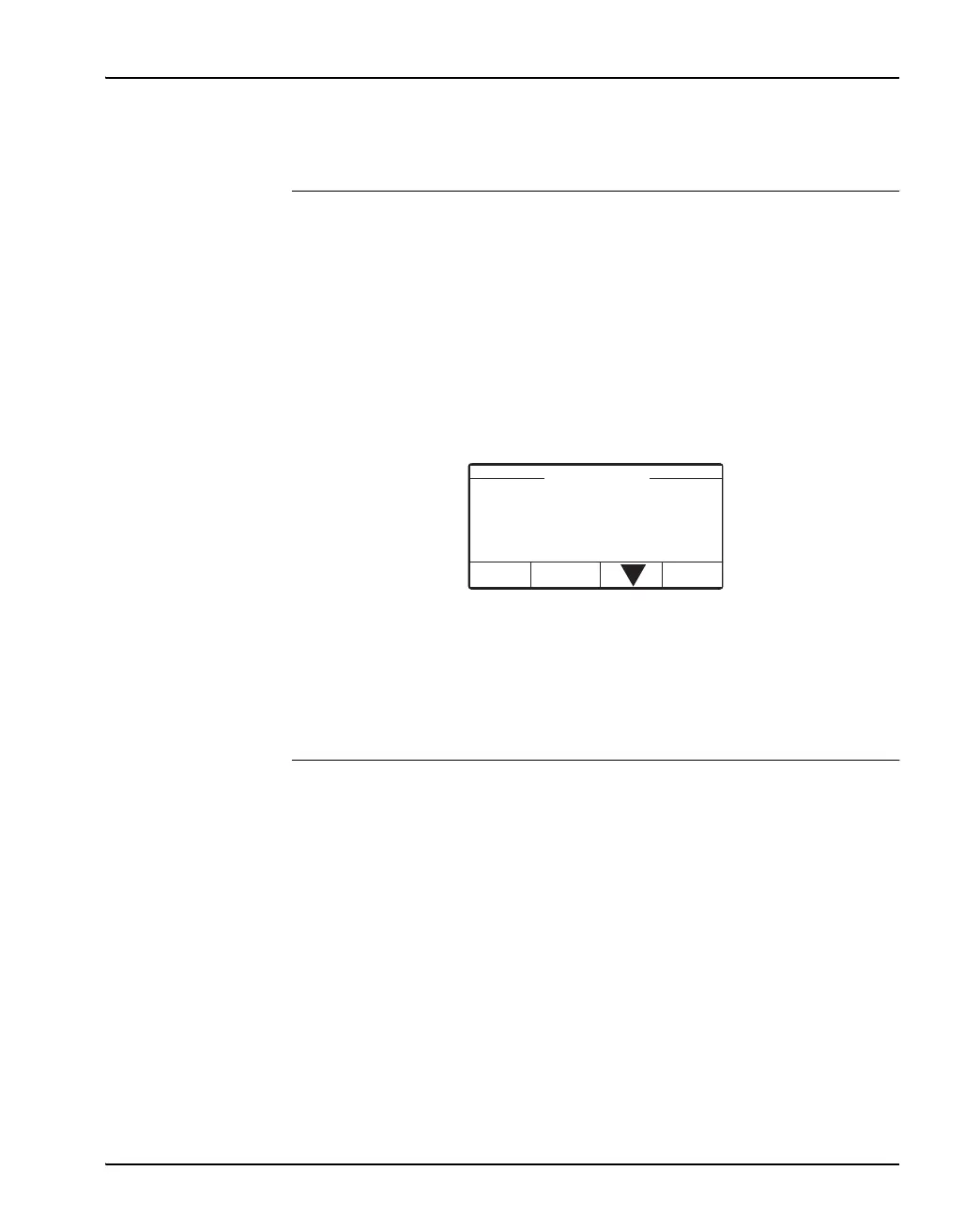
3 The Trip Log window displays:
• Trip Log 1 (3), one of three in the trip log list
• Which detector(s) detects an arc
• Which breaker tripped
• Time and Date of event
Three detectors can be listed in the same window.
4 Press Back to return to Start window.
5 Scroll down with key arrow to see earlier trip events.
2 Diagnostics The Arc Guard System does automatic periodical control of the system.
Diagnostics menu consists of three subcategories:
• 2.1 System Status
• 2.2 Perform Diagnostics
• 2.3 Error Log
1. Trip Log 1 (3)
Back
Detector X1 : 10
Breaker K4 K5
14:02 3-Feb-2009


 To Next Page