Human Machine Interface, functions
63
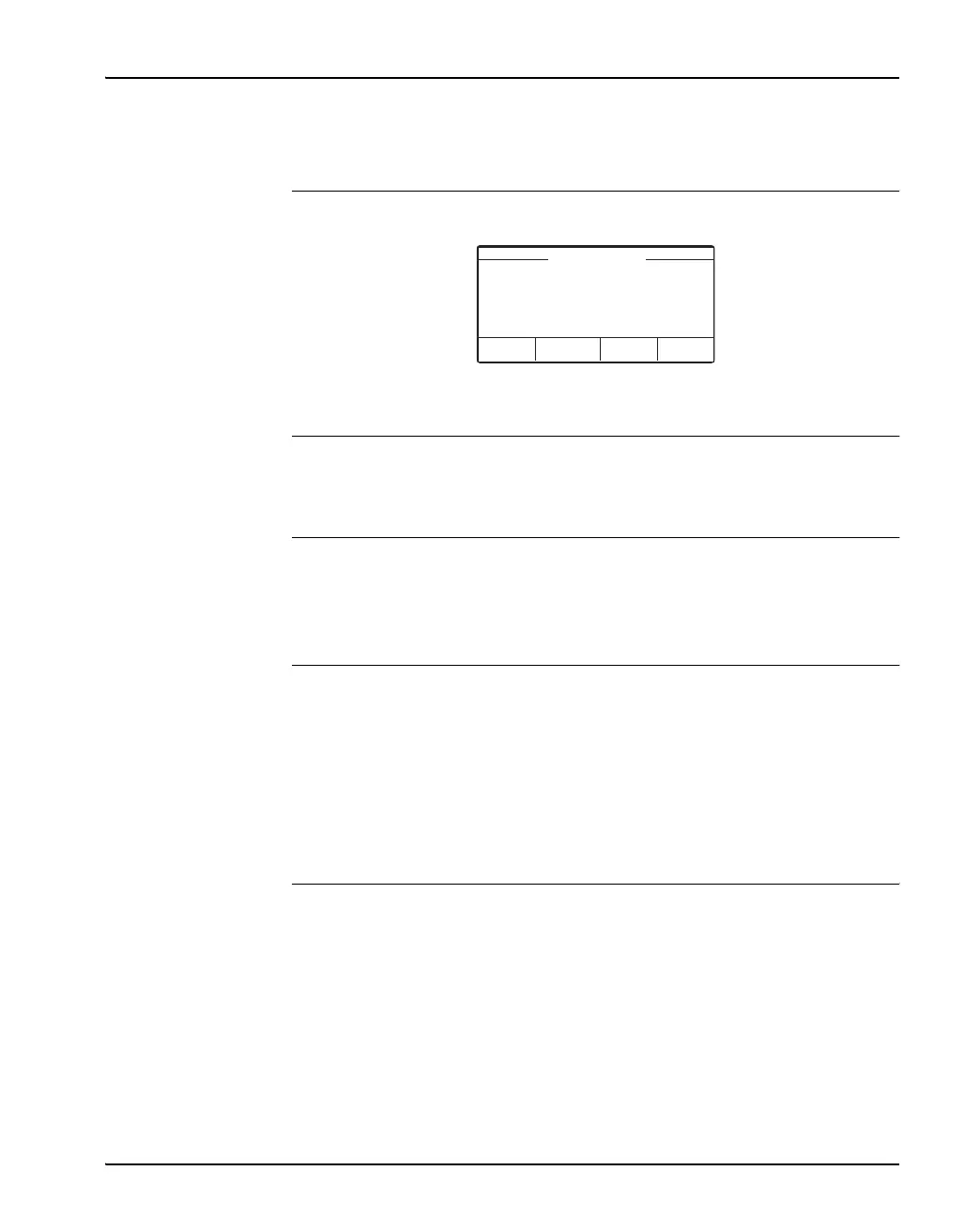
2: HMI Display HMI display Start window, Name of Arc Guard System, Time and Date.
The bottom of display shows the tasks assigned to the four soft keys.
3: Soft keys The four soft keys are used to navigate in the menu. Each key is assigned a
task, displayed in the window.
HMI menu struc-
ture
The menu is structured in five head categories. Each category is divided into
subcategories. Some subcategories have sub-sub categories. All categories
are numbered accordingly to the structure.
Menu and
languages
The Arc Monitor includes a menu shown in the display. You choose language
for the menu. During start-up you are prompted to choose language, but at
any time you can change the language.
Languages available in the system menu are:
• English (us/uk)
HMI start menu The Start menu display following head categories.
1Trip Log
2 Diagnostics
3 Configuration
4 Language
5Set Time and Date
ABB TVOC-2
Menu
15:09
27-Feb-2009


 To Next Page