Human Machine Interface, functions
70
5 Press Back to return to 3. Configuration.
6 Press Back to return to Start window.
3.3 Revision infor-
mation
Revision Information displays connected modules to the Arc Guard System
and latest revision of each module. This includes, software, hardware, and ID
number.
This information is required when contacting ABB for support.
To view revision information about the module follow the steps below:
1 From Start window, press Menu.
2 Select 3. Configuration, press OK.
3 Select 3.3 Revision information, press OK.
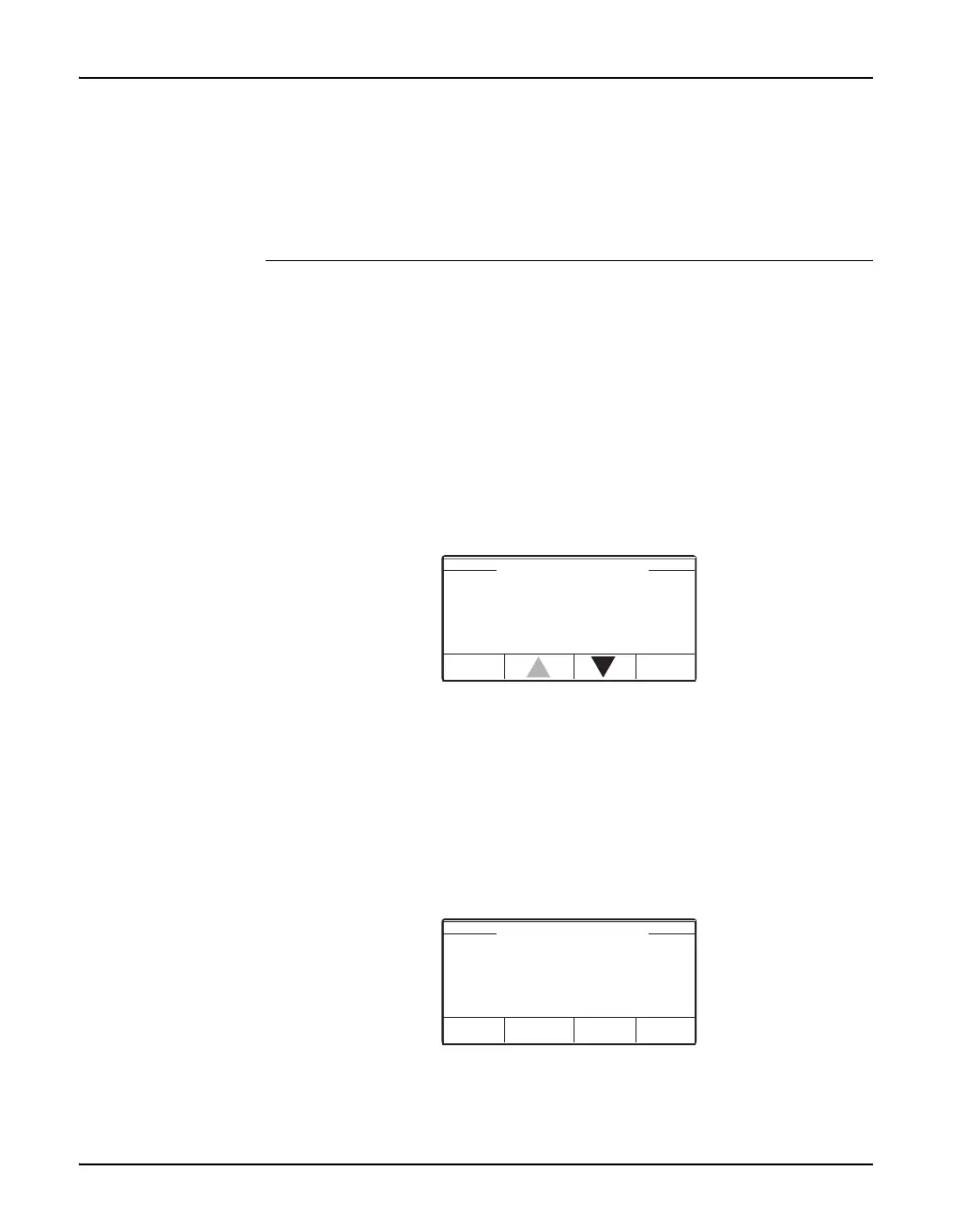
4 The 3.3 Revision information displays connected modules.
5 To view Revision Information.
6 Select chosen module, press OK.
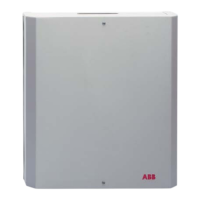
7 The 3.3.1 the module, display:
• 3.3.1 Arc Monitor (in this case)
• The modules software
• The modules hardware
• The modules ID number
3.3 Revision Information
OKBack
3.3.2 HMI
3.3.3 Ext.Module
3.3.1 Arc Monitor
3.3.1 Arc Monitor
Back
HW xx CPDLD xx.yy.zz
ID xxxxxx
SW 01.00.00


 To Next Page