Human Machine Interface, functions
71
4 Language If you understand the current menu language, follow the steps to set the
language of the system menu:
In the Main menu:
1 Select 4 Language, press OK.
2 Select the language to use, press OK.
Confirm with Yes.
Note!
If you do not understand the menu language, use factory reset.
5 Set Time and
Date
Use this procedure to set the time and date in the system.
In the Set Time menu do the steps below:
1 Scroll to correct hour, press OK.
2 Scroll to correct minutes, press OK.
3 Scroll to correct day, press OK.
4 Scroll to correct month, press OK.
5 Scroll to correct year, press OK to return to Start window.
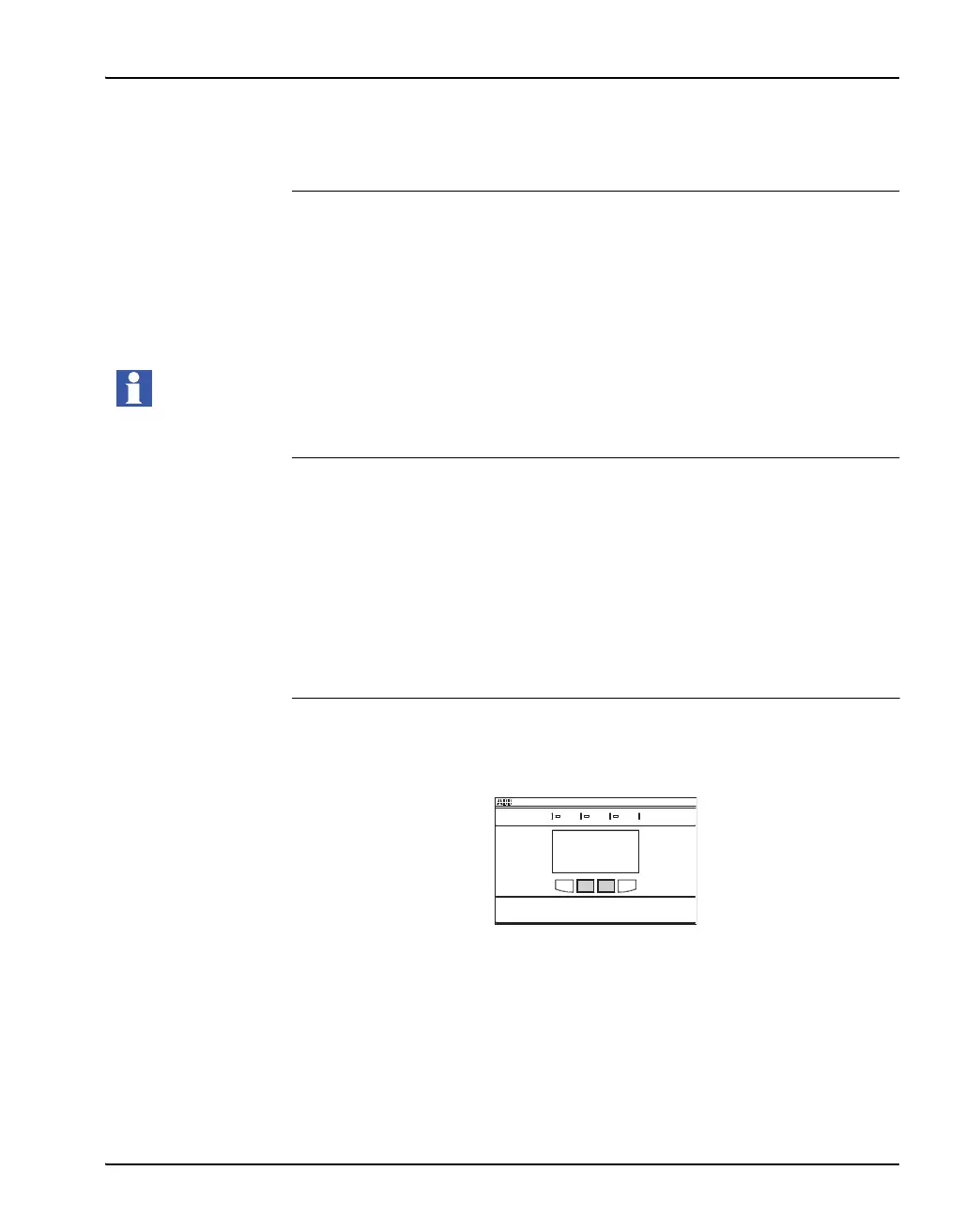
Factory reset Making the factory reset will force the HMI to start the Start-Up sequence.
Press and hold the 2 soft keys in the middle for more then 10 s.
This will force the HMI to start the Start-Up sequence.
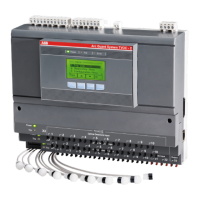
Arc Guard System TVOC-2
Power Error
Trip


 To Next Page