English
- 11 -
User manual DWTL1
MANUAL SWITCHING
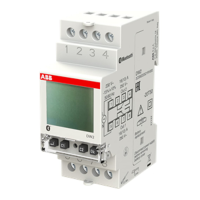
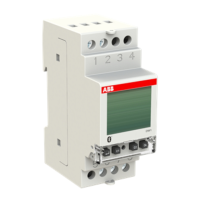
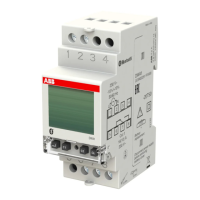
To manually take action on the channel of DWTL1 astronomical twilight switch (activated with the combination described on page 6), carry
out the operations described below:
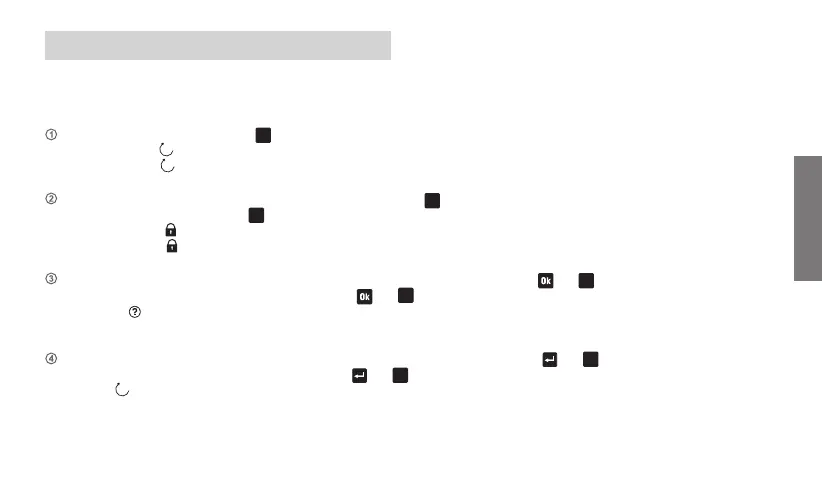
SWITCHING CHANNEL: press the key
C1
. If on becomes off and vice versa.
temporary on
: the channel is set on until the next programmed off event
temporary off
: the channel is set off until the next programmed on event
LOCK CHANNEL: press for a long time (for 3 seconds at least) the key
C1
. The current state is locked until the unlocking
(press again for a long time the key
C1
).
permanent on
the channel is locked in on position until the manual unlocking
permanent off
the channel is locked in off position until the manual unlocking
RANDOM SWITCHING: press contemporary and for a long time (for 3 seconds at least) the key and
C1
Press again simultaneously and for a long time the keys
and
C1
to disable the function.
random
: the channel is set on and then will take place switching on/off at random intervals (the minimum and maximum interval
can be set from “Settings ➔ random” menu)
CYCLE SWITCHING: press contemporary and for a long time (for 3 seconds at least) the keys and
C1
.
Press again simultaneously and for a long time the key
and
C1
to disable the function.
cycle
(flashing): the selected channel is set on and then will take place switching on/off (the on and off duration can be set from
“Settings ➔ cycle” menu).


 To Next Page