English
- 49 -
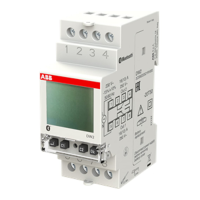
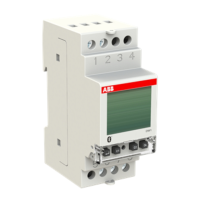
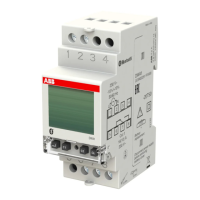
User manual DWTL1
BUS VEMER MENUTWILIGHT MENU
The “twilight” menu allows to set the operating parameters of the external probe, that is:
1. Intervention threshold: set a value between 3 lux and 500 lux (increase of 1 lux up to 100 lux,
of 10 lux from 100 lux up to 200 lux, of 50 lux from 200 lux up to 500 lux), or
tWILIGHt ALWAyS ON
,
or
tWILIGHt ALWAyS OFF
.
Set
tWILIGHt ALWAyS OFF
(probe consent always denied) so that the load:
• in the case of twilight configuration never lights up
• in the case of an astronomical configuration only lights up during the night (according to the set astronomical program)
Set
tWILIGHt ALWAyS ON
(permanent probe consent) so that the load:
• in the case of twilight configuration, lights up according to set program (daily or weekly)
• in the case of astronomical configuration lights up during the night (according to the set astronomical program ) and is always on during the
day
If the setting requires always on or always off, the screen
shows --- instead of the threshold value.
2. Hysteresis:
set a value between 1 lux and 50 lux. For the meaning of the hysteresis value, see the operating diagrams.
3. Switching delay
: set a value between 1 second and 30 minutes (increase of 1s for values up to 59 seconds, 1 minute for higher values).
Note: from the main screen, press for a long time (more than 3 seconds) the key
to display the level of brightness measured by the probe
at that moment. At this point, press for a long time the key
again to set the measured value as a threshold.


 To Next Page