5. Transceiver menus
Stand by
Turn the transceiver on by pressing
Turn the transceiver off by pressing
Got to the main menu by pressing
The transceiver turns itself off automatically after 5 minutes.
The program version is shown in the lower left corner. The E
stands for extended version which includes resistive leakage
current measurement.
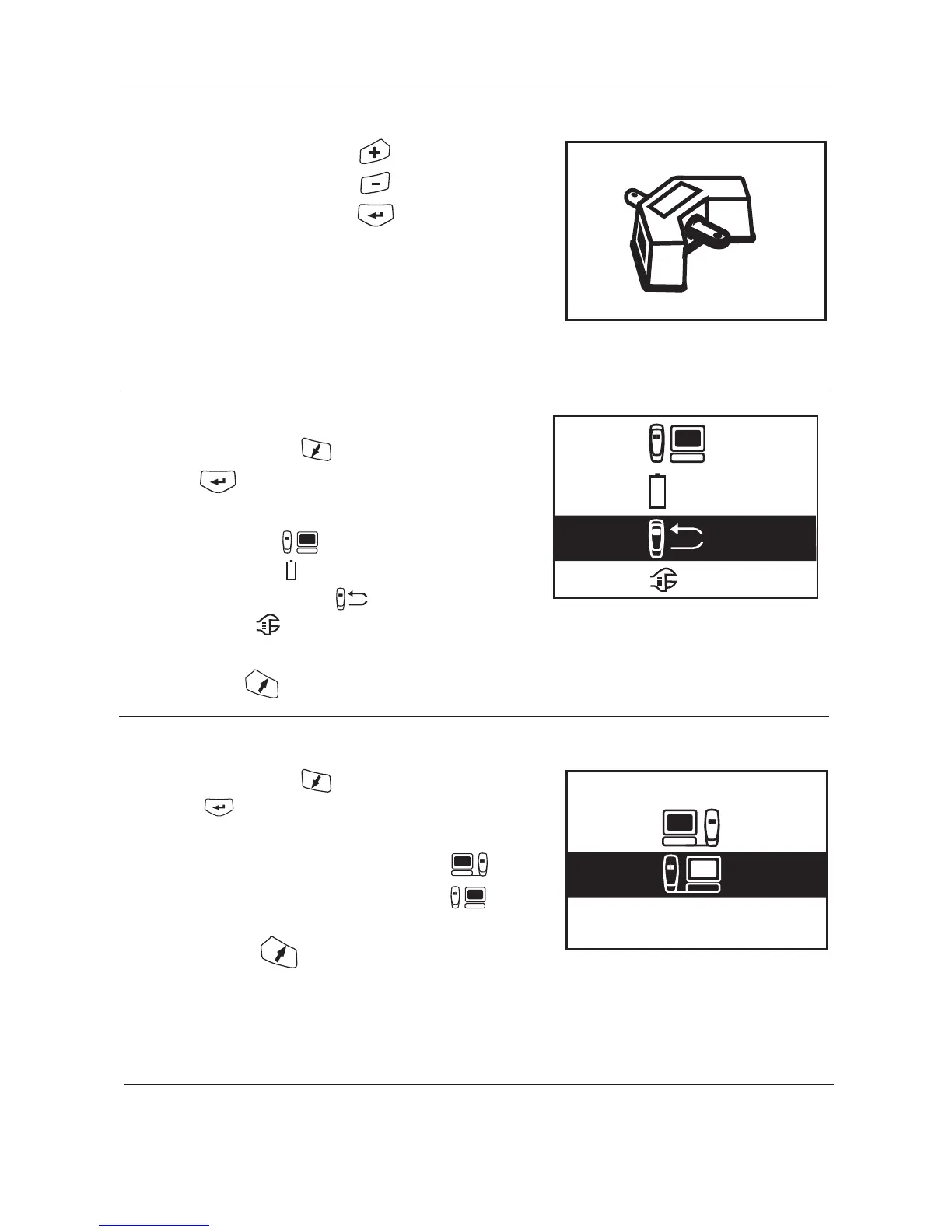
5. Main menu
Select alternative with the key.
Then press
Transfer data (see 5.1)
Battery check (see 5.2)
Make measurements (see 5.3)
Settings (see 5.4)
Back to stand-by
5.1 Transfer data
Select alternative with the key.
Then press
Data transfer from PC to Transceiver (see 5.1.1)
Data transfer from Transceiver to PC (see 5.1.2)
Back to main menu


 To Next Page