5. Transceiver menus
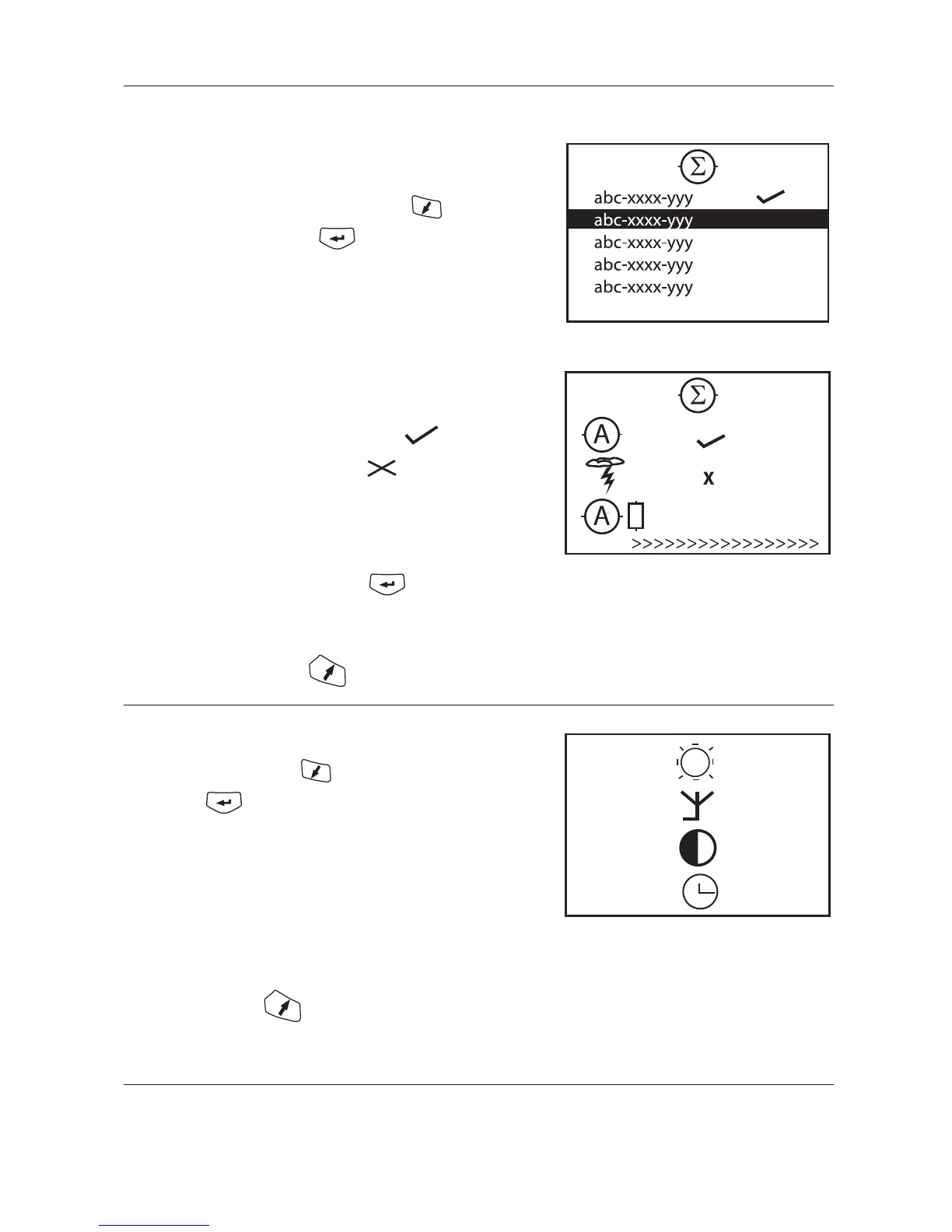
5.3.4 Total reading
Not available in all versions.
Select sensor ID to read data from with the key.
Start the reading by pressing
Before the transmission begins, the operating voltage must be
given. (see 5.3.3.1)
Each reading is made in turn automatically.
A successful transmission is marked with
A failed transmission is marked with
If the transmission was unsuccessful, an error code
will be displayed
If any reading is unsuccessfull press
key again to repeat the reading.
Back to total reading menu
5.4 Settings menu
Select alternative with the key.
Then press
Backlight settings (see 5.4.1)
Antenna settings (see 5.4.2)
Contrast settings (see 5.4.3)
Clock and date settings (see 5.4.4)
Back to main meny


 To Next Page