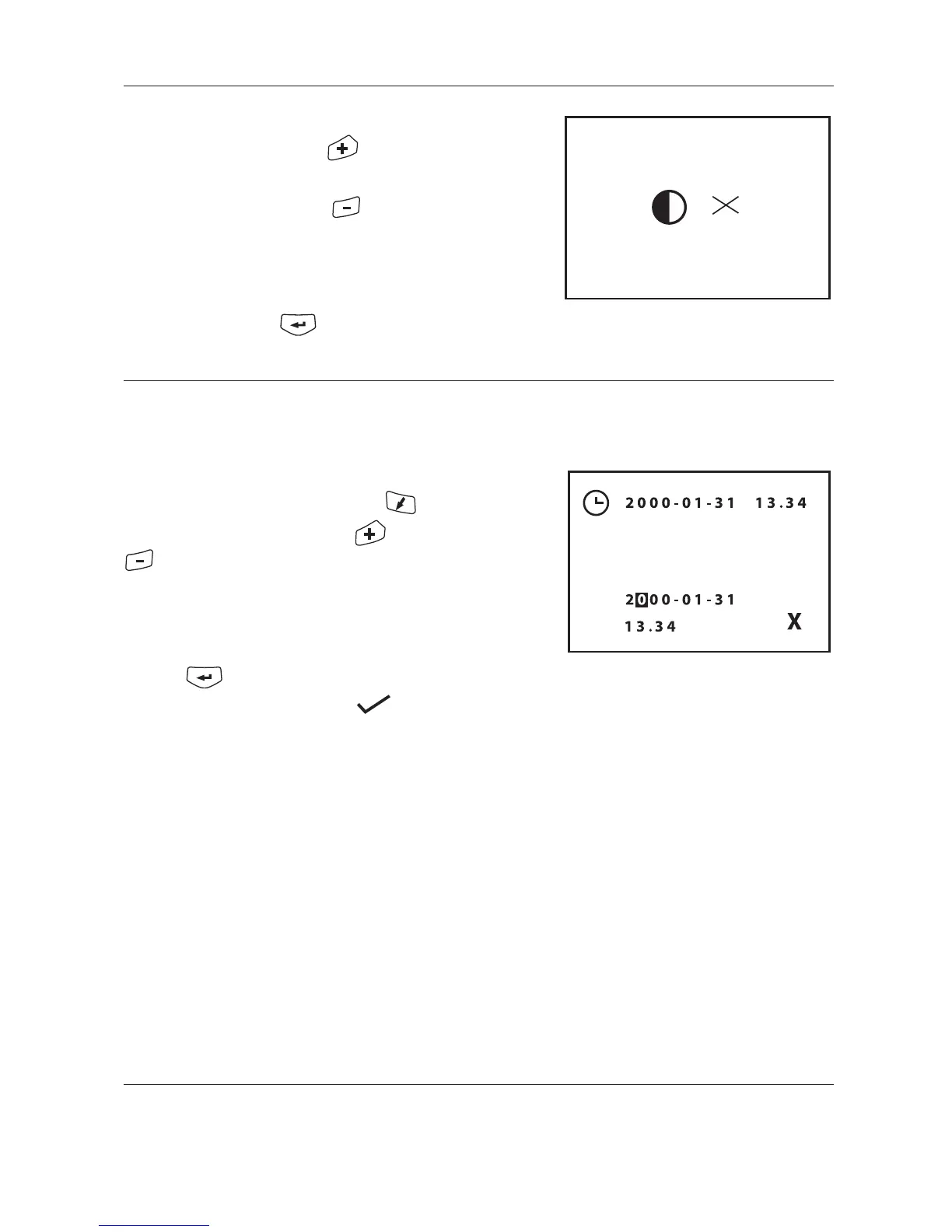
5.4.3 Set contrast
Increase contrast by pressing .
Decrease contrast by pressing .
Changes are stored in non volatile memory.
Back to settings meny
5.4.4 Set clock and date
The cursor highlights which digit to adjust. The cursor is
moved to the next digit by pressing the key.
Each digit is changed by using the and
keys.
After changing any digit the status symbol is changed to X .
When the correct date and clock is set move the cursor to the
X and enter the value by
pressing
This changes the status symbol to
5. Transceiver menus


 To Next Page