2
2
M
M
N
N
S
S
i
i
S
S
S
S
y
y
s
s
t
t
e
e
m
m
S
S
e
e
t
t
u
u
p
p
To select an MControl from the Tree view,
simply right click with the mouse, this will, in one
action select the required MControl and show the
functions that are possible for that particular
module.
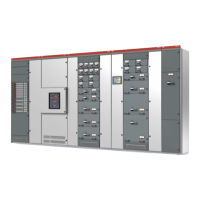
Alternatively the MControl can be selected from
the Bitmap view (Switchgear front view)
For each MControl you have the options to:
Parameterize
Download
Assign to MControls
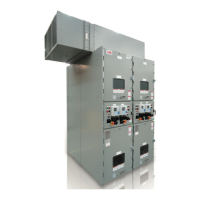
Figure 50 Bitmap view (switchgear front view)
(3) Parameterization
The MControl Parameterization screen is open
in the window area once the Parameterize option
has been selected for the particular module.
Note:
The parameters shown here are those held within
the MLink (CF Card). The parameters are not
changed in the MControl until they have been
downloaded.
Figure 51 MControl parameterization screen
4
4
8
8
ABB MNS iS System Setup & Operation Quick Guide / System Release 6.0 – Rev.2 / Aug. 2011


 To Next Page