24
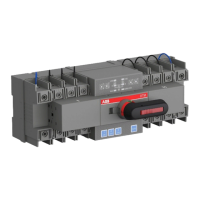
AUTOMATIC TRANSFER SWITCH, OTM_C_21D
Figure 18. Installation of DIN rail
The DIN rail installation mode is as follows:
First pry out the latch with an appropriate tool, as
shown in Fig. 13
After attaching the switch to the DIN-rail, push
the latch back to lock it
Figure 19. Installation of DIN rail
After attaching the switch to the DIN-rail, make sure you push the latch back to the lock posi-
tion, otherwise the switch may fall off.
Push!


 To Next Page