Brief operating instructions
c Brief operating instructions 42/18-64-4 EN
7. Adjust the tolerance band (only necessary for critical actuators, e.g. especially small ones).
See “P1.2 Tolerance band” on page 55. Usually, this step is not required.
8. If required test the settings. See “P1.3 Test” on page 56 for details.
9. Save the settings:
- Press and hold
MODE
.
- In addition, briefly press until P1.4 is indicated.
-Release
MODE
.
-Select NV_SAVE using or .
- Press and hold
ENTER
until the countdown is completed, then release
ENTER
.
The settings are saved in the non-volatile memory, and the positioner returns to the operat-
ing level. The last previous operating mode is activated again.
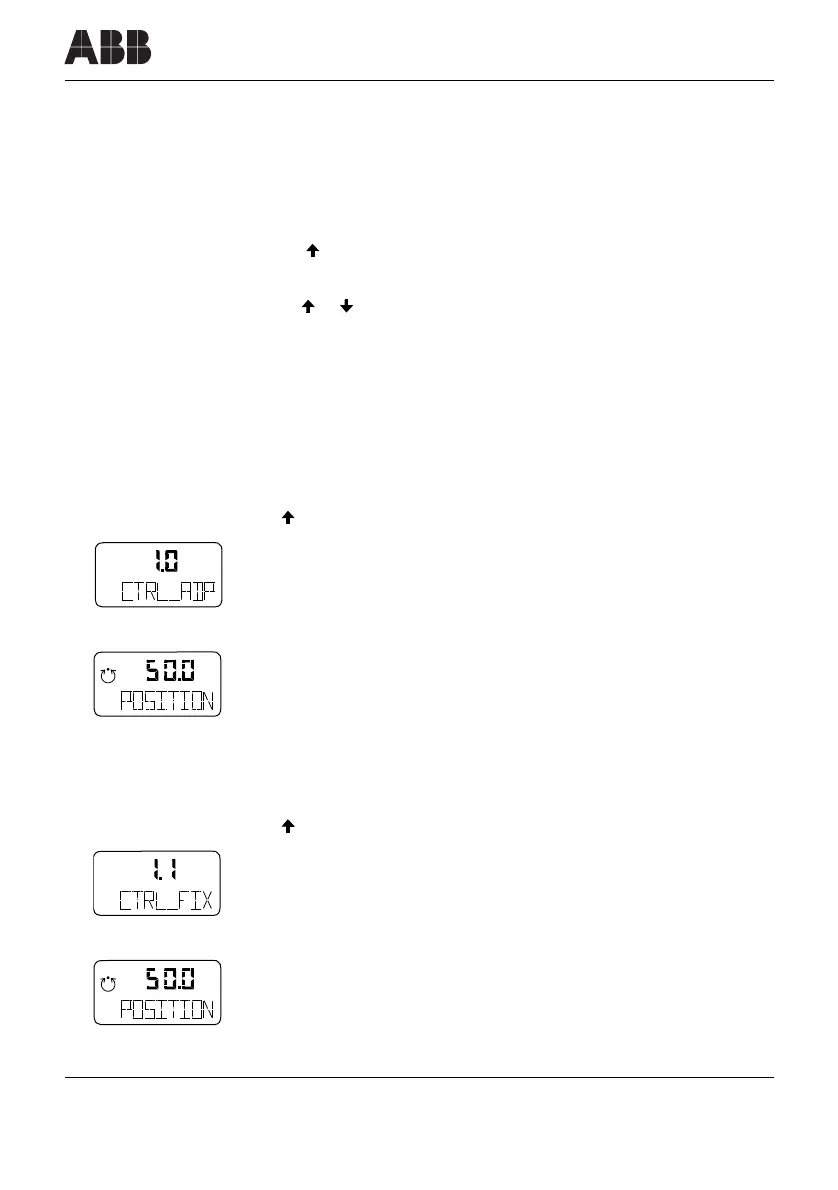
Selecting operating mode
Mode 1.0: Adaptive control
• Press and hold
MODE
.
• Additionally briefly press as often as required.
• is displayed.
• Release
MODE
.
• is displayed, adaptive control is running.
Mode 1.1: Fixed control
• Press and hold
MODE
.
• Additionally briefly press as often as required.
• is displayed.
• Release
MODE
• is displayed, fixed control is running.
conf
mA
%
C
°
conf
mA
%
C
°
conf
mA
%
C
°
conf
mA
%
C
°



 To Next Page