33
5. Cable clamps
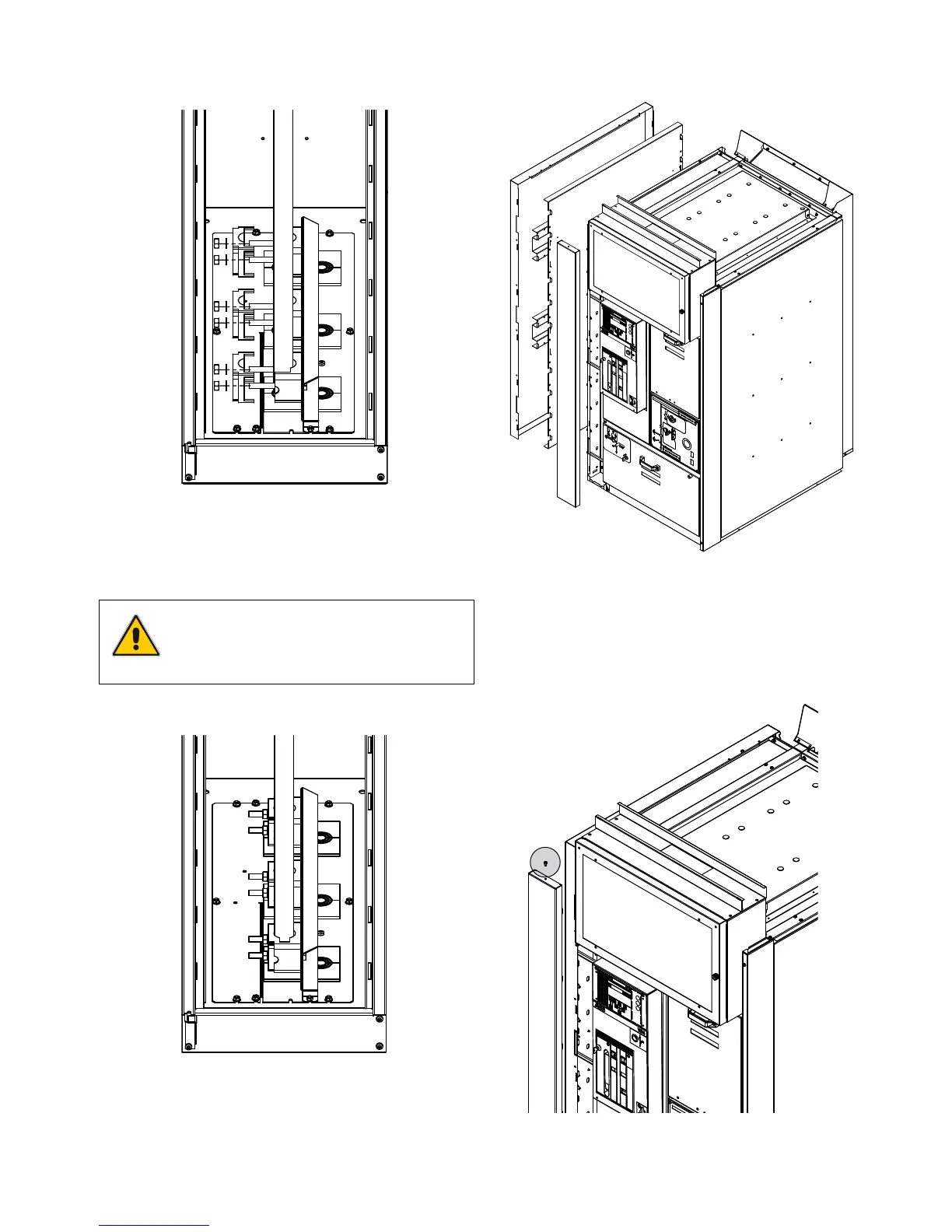
a) Re-install the loose parts as shown in Figure 107.
Figure 107. Installing the loose parts of the cable clamps
b) Tighten all 6 nuts.
NOTE
Tighten to the correct torque! See the tight-
ening torques table at the end of the manual!
5.1.2 Installing the cables in the RLC unit
RLC unit cable compartment
Figure 109. Cable compartment
Open the RLC cable compartment.
1) Unscrew at the top of the RLC front cover, lift it and remove
the front RLC cover.
Figure 110. RLC front cover
Figure 108. Cables ready



 To Next Page