25
26
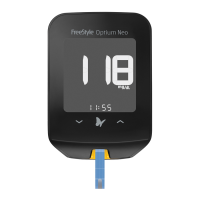
(Example only)
6. View result.
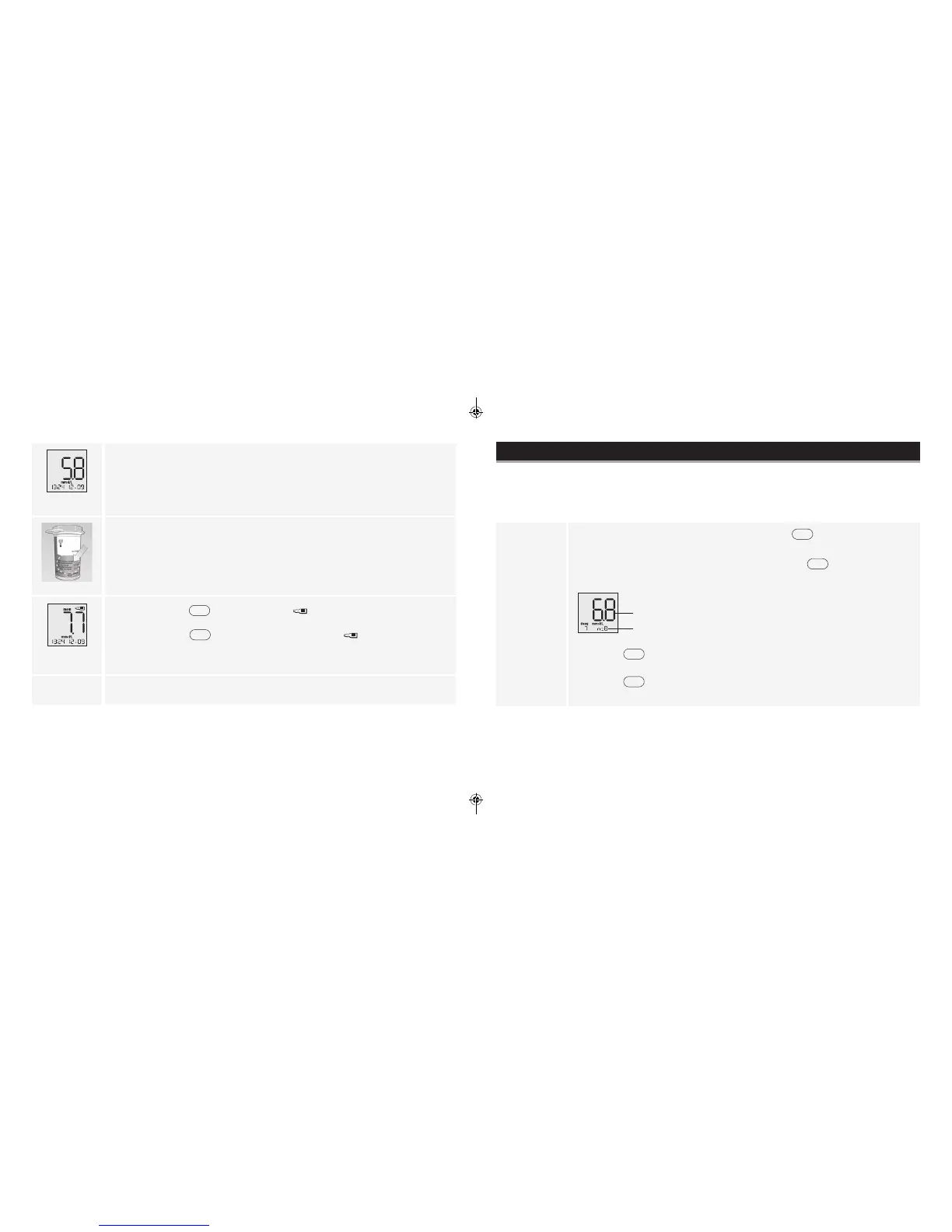
The result appears on the display when the test is complete.
7. Compare the control solution result to the range printed on the test strip vial.
The result should fall within the range.
Note: If you see an “Er1, Er2, Er3 or Er4” on the display, it is an error code. Go to
Error Codes section.
(Example only)
8. Press and hold
for 2 seconds until appears on the display to mark
the result as a control solution result. To unmark a control solution test result,
press and hold
for 2 seconds. A value with the indicates you have
marked this reading as a control solution test.
9. Remove the test strip to turn meter o.
Using Your Meter Memory
Purpose
The purpose of this section is to review your stored test results and 7-, 14- and 30-day averages.
Viewing Blood Glucose Averages in Memory
Start with the meter o (no test strip inserted). Press
. Your 7-day average
appears (control solution, LO and HI readings not included).
Note: To exit meter memory at any time, press and hold
.
Example:
Memory Display
your average
n= number of results included in your average
• Press
to scroll through 14- and 30-day averages and all stored test
results. The most recent result appears rst.
• Press
to scroll backward.
www.AbbottDiabetesCare.com
ART22311-101_rev-B.indd 25-26 8/28/14 11:30 AM







 To Next Page