25
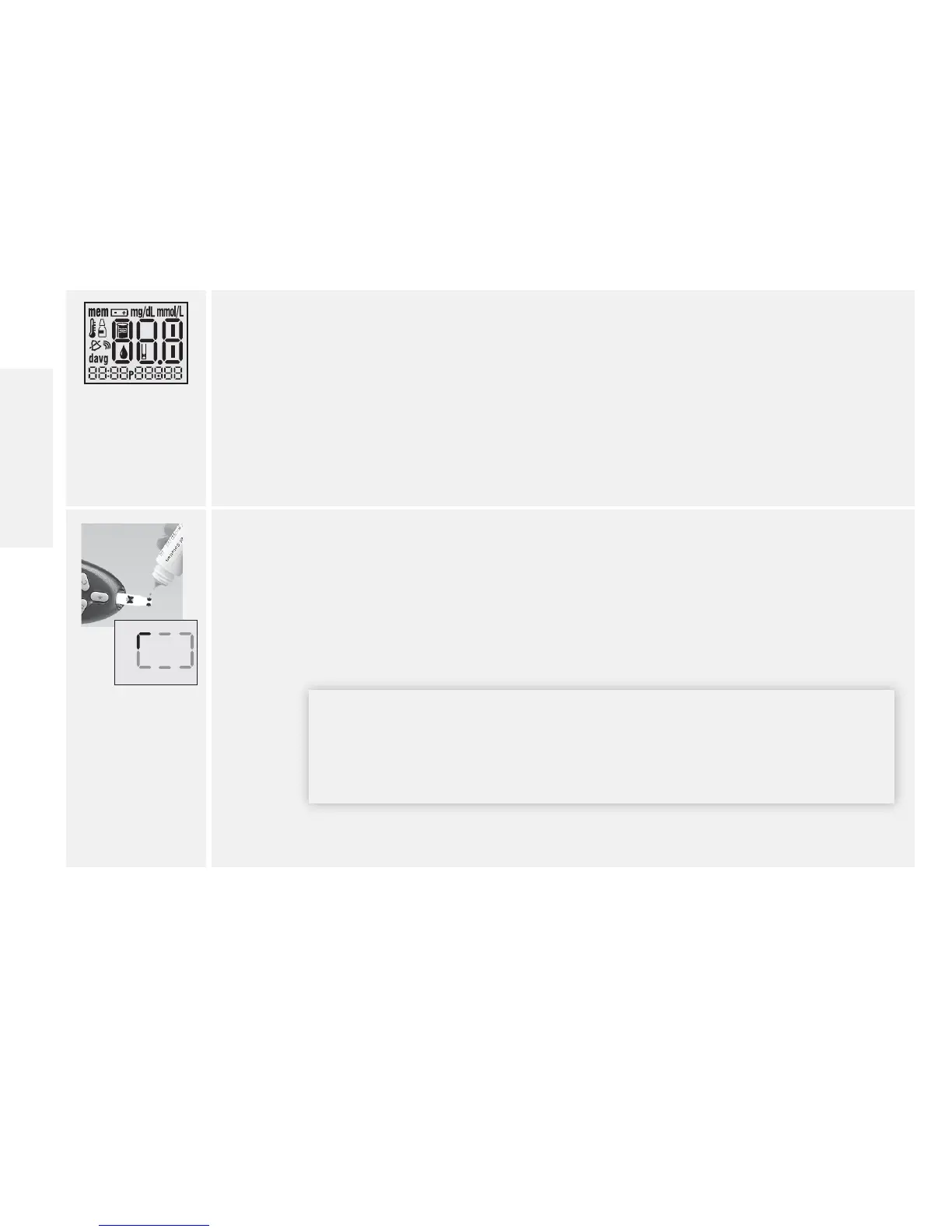
4. Conrm System Check Screen.
• This display appears when you turn on the meter. Do not use the meter if
the display check screen does not exactly match the example. Contact
Customer Care.
• See The FreeStyle Lite Meter and How It Works section for more information.
• If the system check screen does not appear, go to Troubleshooting section.
5. Apply and hold control solution to 1 sample area of the test strip until:
• You see short lines moving clockwise on the display or
• You hear a beep
This indicates the test strip obtained enough control solution and the meter is
processing. If the test does not start after applying the control solution, go to
Troubleshooting section.
IMPORTANT: If a short line does not appear after 5 seconds, the
sample may be too small. Do not add control solution to both sides
of the strip. The test strips are for single use only. Do not reuse test
strips. Dispose of used test strips.
www.AbbottDiabetesCare.com
English














 To Next Page