EasyManua.ls Logo

Abbott FreeStyle Lite - Setting Reminder Alarms (optional); Setting Alarm Sound Volume; Transferring Test Results To a Computer; Connecting Meter to Computer for Data Transfer

Abbott FreeStyle Lite
80 pages
Print Icon
To Next Page IconTo Next Page
To Previous Page IconTo Previous Page
Loading...
30
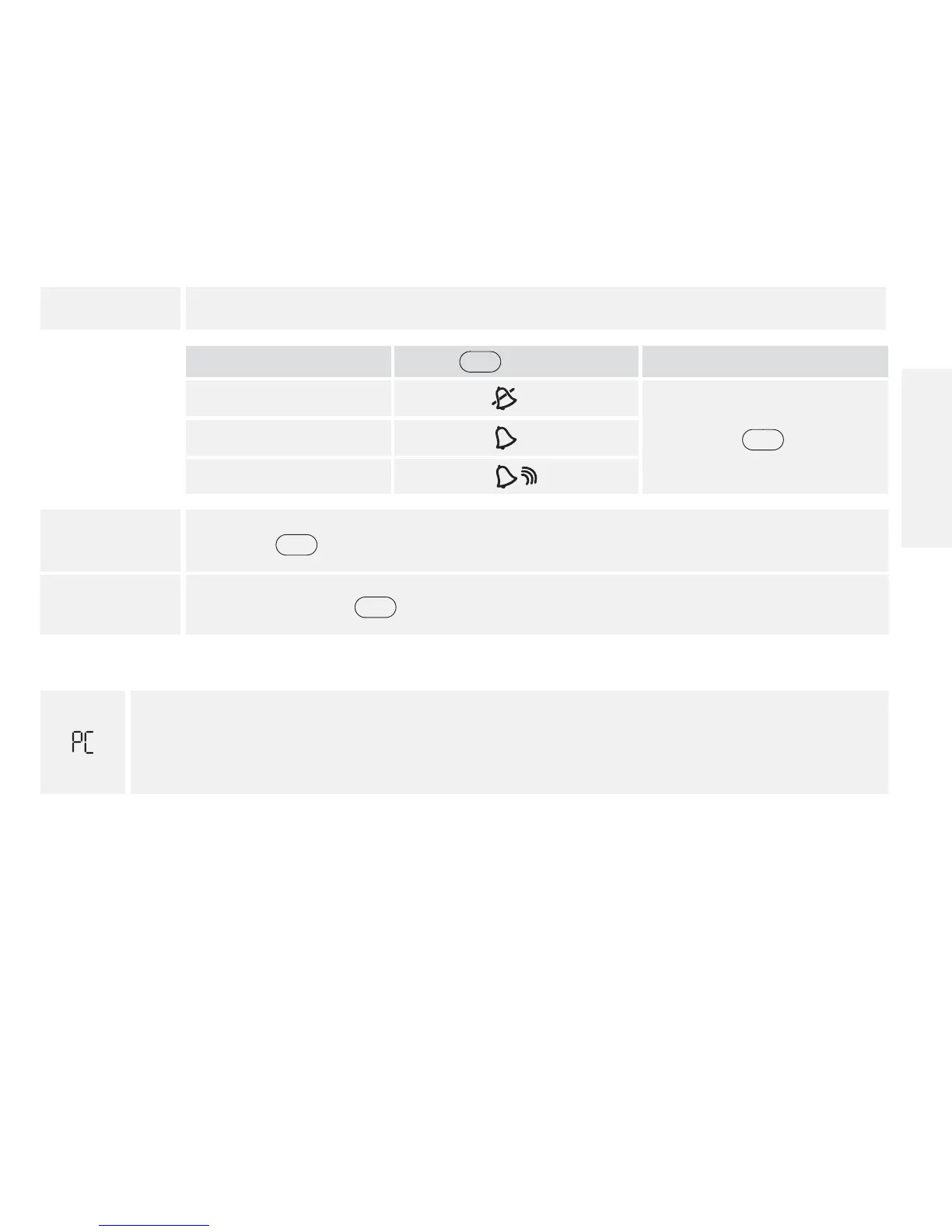
5. Set alarm sound volume
If you prefer:
Press
c
until you see:
Then
No sound
Press
m
to save
A low beep
A louder beep
6. Press
c
and repeat 2, 3, 4 and 5 to set remaining reminder alarms or
7. Press and hold
m
for 3 seconds until meter turns o.
Transferring Test Results To a Computer
appears on the display when you insert a data cable in the data port. The computer
must have a compatible data management system to complete the transfer. Remove
this cable before performing a test.
Contact Customer Care to learn more about the data management system.
English

Table of Contents

Related product manuals