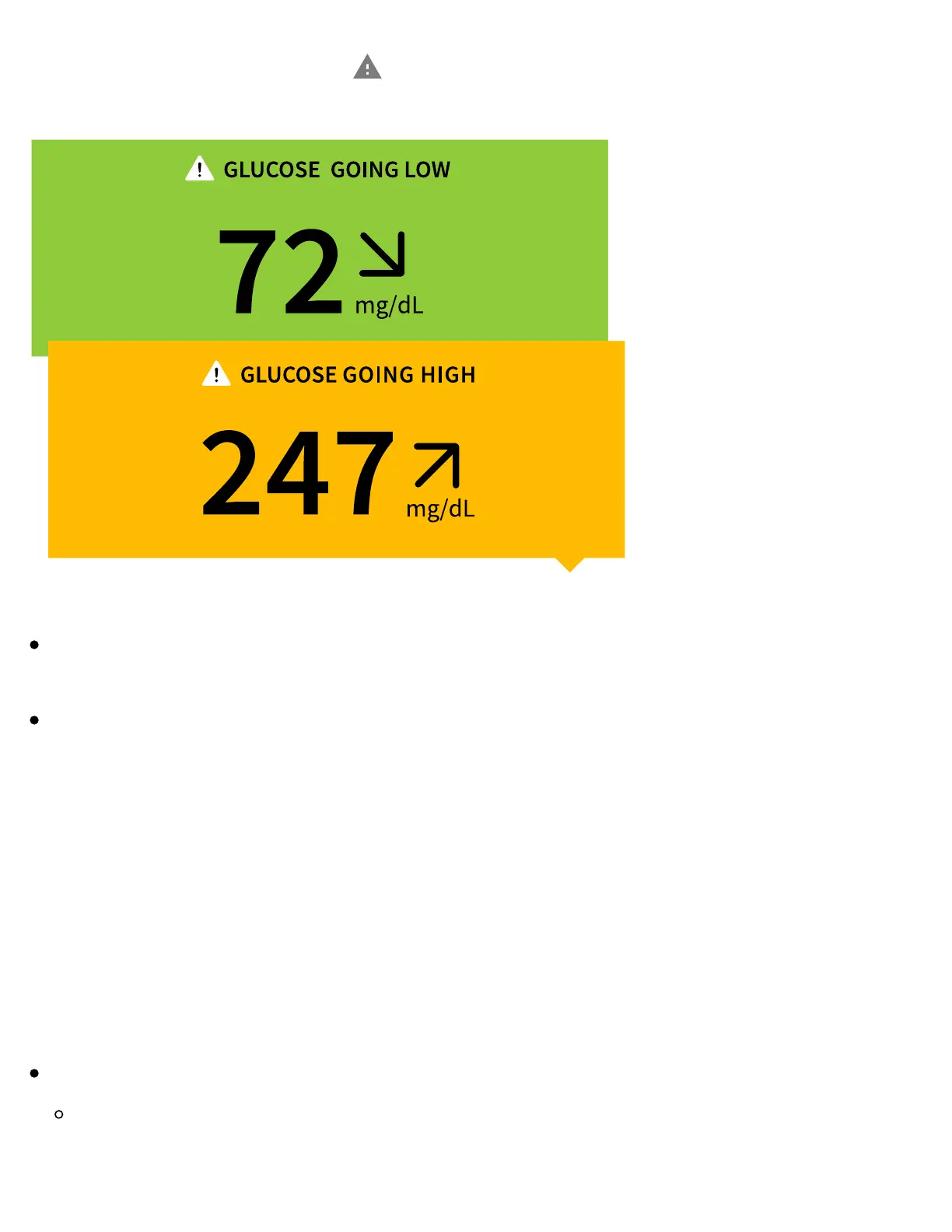
to check your glucose.
Note:
If you are not sure about a message or reading, contact your healthcare
professional for information.
Messages you receive with your glucose readings are not related to your
glucose alarm settings.
Alarms
This section explains how to set and use alarms. Please read all the information in
this section so that you may ensure that you receive glucose alarms when they are
enabled.
CAUTION:
For you to receive alarms, make sure to:
Turn alarms ON and ensure that your phone is within 10 metres (33ft) of you
at all times. The transmission range is 10 metres (33ft) unobstructed. If you
are out of range, you may not receive alarms. If you want to receive the App's















 To Next Page