9
1
2
3
4
5
6
7
8
30
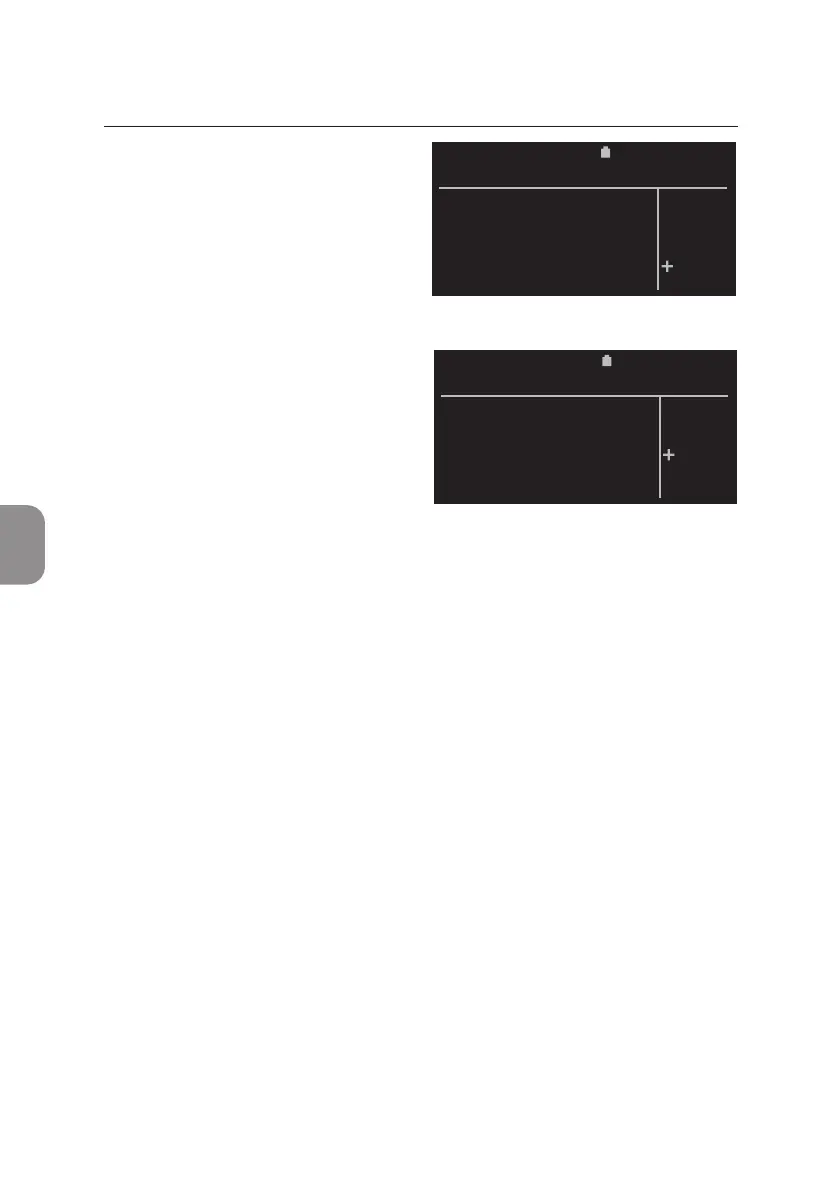
• The «Delete» window appears and
«NO» is selected by default.
Press either 〈 or ⌨ to exit this
window and return to the «Delete
Results» window.
• Select «YES» and conrm with 〈
and selected results are deleted
from the Pima Analyser archive.
All other results remain in the
archive. The deleng status is
indicated by a progress bar.
Aer successful deleon, the display automacally returns to the «Results»
window.
2020-11-01 11:30
Do you want to
delete 35
results ?
DELETE
YES
NO
2020-11-01 11:30
Do you want to
delete 35
results ?
DELETE
YES
NO
5 MAIN MENU: RESULTS



 To Next Page