9
1
2
3
4
5
6
7
8
Pima™ ANALYSER USER GUIDE
43
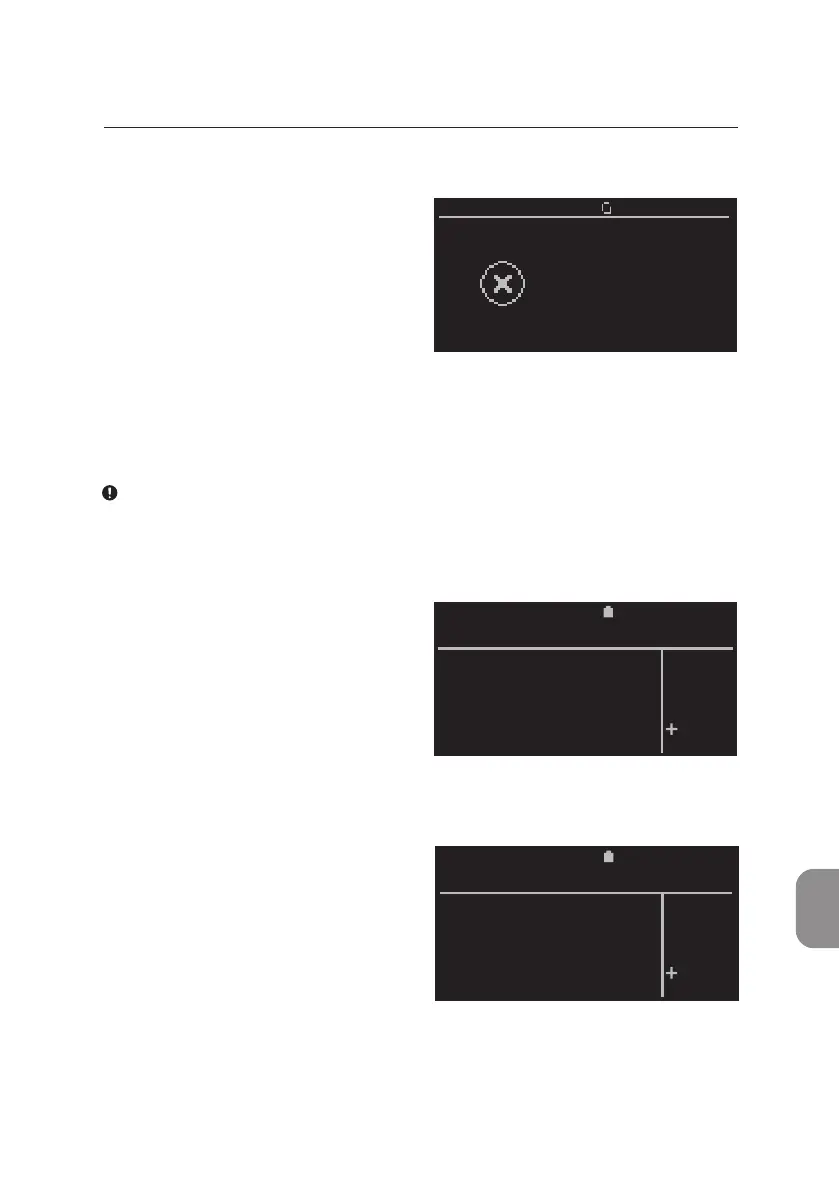
Power Error
The «Recharge baery» window
appears if the power level of the
integrated baery is too low to
conduct another analysis.
No further analyses can be
performed by the Pima Analyser
unl the baery is recharged or the
analyzer is connected to A/C power.
• Menu funcons may sll be acve at this point. Press 〈 or ⌨ to connue.
It is recommended to connect the Pima Analyser to A/C power before the
integrated baery is completely discharged.
Printer Errors
Should the operator aempt to print
results with no USB Printer aached
to the Pima Analyser the «Failure»
window is displayed.
Should the USB Printer run out
of paper, the following window
is displayed.
Aer a new roll of paper has been
inserted, conrm connuaon of
prinng with 〈. In case the error
occurred during the prinng of a
Pima Test Report, the last report will
be printed again.
For more informaon on the USB Printer, please refer also to the USB Printer
User Guide (UG-m-PIMA-02).
2020-11-01 11:05
Printer error
Abort printing ?
FAILURE
YES
NO
2020-11-01 11:05
Paper required
Abort printing ?
FAILURE
YES
NO
2020-11-01 11:05
Recharge
battery



 To Next Page