9
1
2
3
4
5
6
7
8
Pima™ ANALYSER USER GUIDE
45
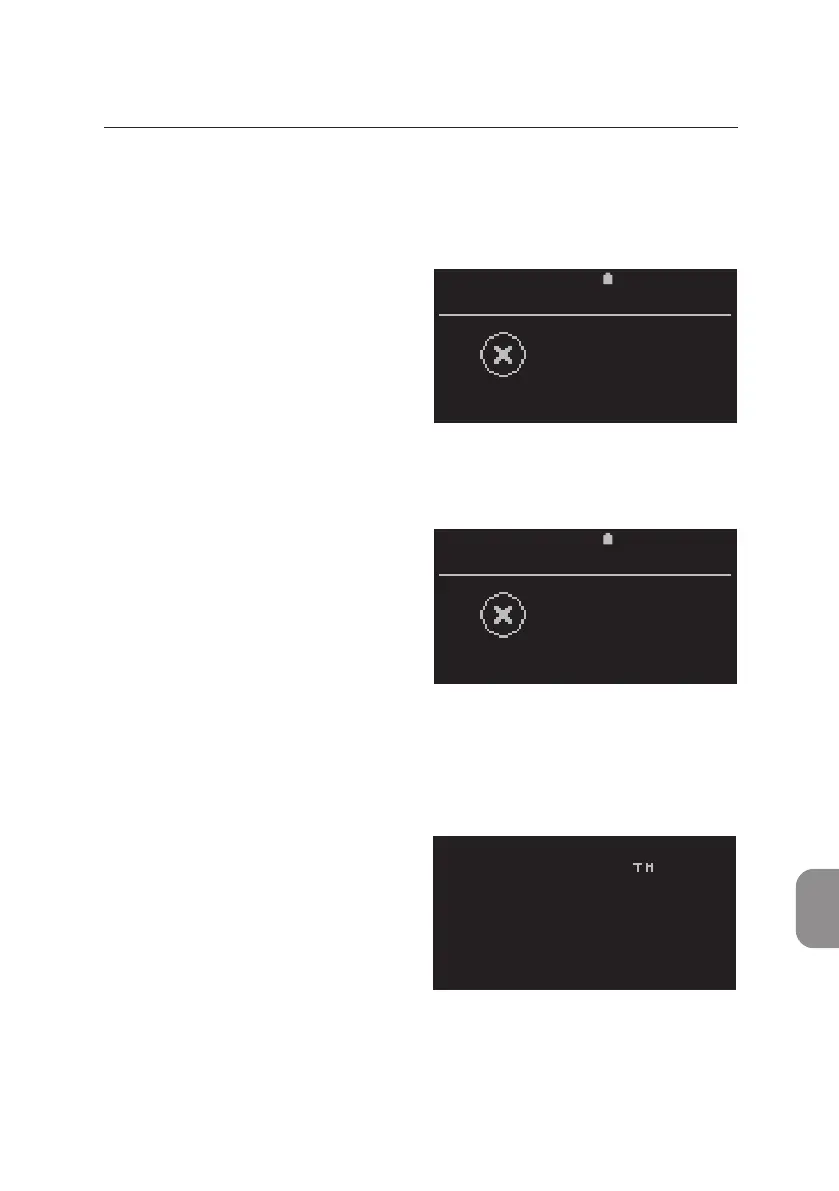
Undened Errors
It is possible that an undened error occurs while operang the Pima
Analyser.
This error message may appear if
the analyzer unexpectedly aborted
start up.
• Press and hold the Power On
buon on the back of the Pima
Analyser unl the screen turns and
remains black. Then restart the analyzer.
This error message may appear
at any me. Depending on what
triggered the error, the operator
may sll be able to navigate through
the Pima Analyser menus and to start
a new test.
• In case the error caused the Pima Analyser to stall, press and hold the
Power On buon on the back of the analyzer unl the screen turns and
remains black. Then restart the Pima Analyser.
This error message may appear
during the inial boong procedure
and will cause the Pima Analyser to stall.
• Press and hold the Power On
buon on the back of the analyzer
unl the screen turns and remains
black. Then restart the Pima Analyser.
If error persists contact your local distributor.
2020-11-01 11:05
FAILURE
Error 0000
2020-11-01 11:05
FAILURE
Unexpected
exception
pima
HARDWARE FAILED



 To Next Page