4.1 Intel Chipset Software Installation Utility
This utility installs Windows [INF] files to the target system. These files outline to the operating
system how to configure the Intel chipset components in order to ensure all the features
function properly.
To install this utility:
1. Click on the [Drivers] tab in the installation menu screen.
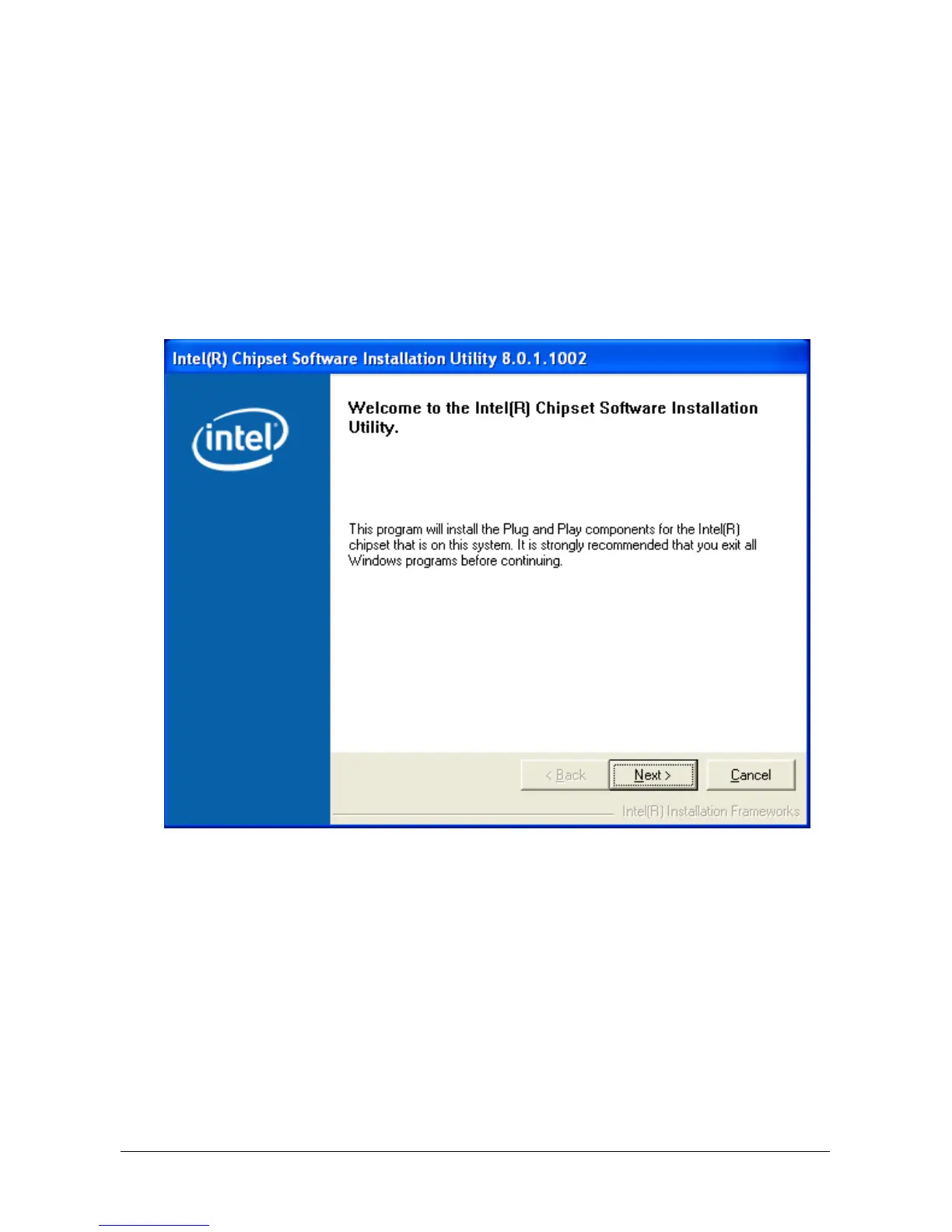
2. Click the [Intel Chipset Software Installation Utility] item. The installation screen appears:
3. Follow the prompts on the screen to complete installation.
4. Restart the system for the driver to take effect.
4-2 AB9 Pro, AB9



 To Next Page