3-2 AX78
3.2 Q-Install
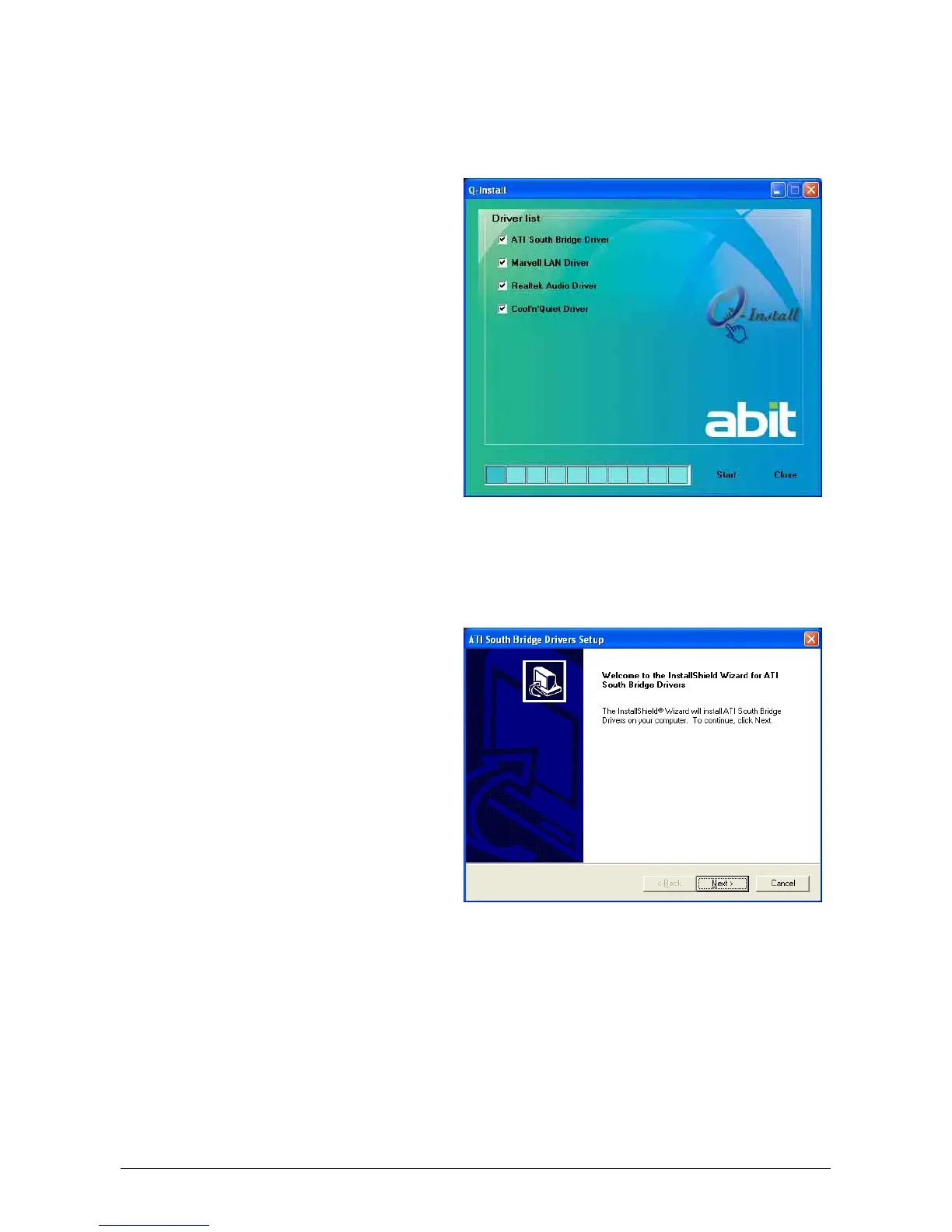
This button allows you to install all the drivers for this motherboard at one stroke.
To install all the drivers for this motherboard at one stroke:
1. Click on the [Drivers] tab in the
installation menu screen.
2. Click the [Q-Install] item. The
installation screen appears.
3. Click the [Start] button to start
installation for all the drivers you want
to install.
4. Follow the prompts on the screen to
complete installation.
※ You may skip the rest of the driver
installation after having them
installed by this quick button.
3.3 ATI South Bridge Drivers
To install this program:
1. Click on the [Drivers] tab in the
installation menu screen.
2. Click the [ATI South Bridge Drivers]
item. The installation screen appears.
3. Follow the prompts on the screen to
complete installation.



 To Next Page