Driver & Utility
AX78 3-3
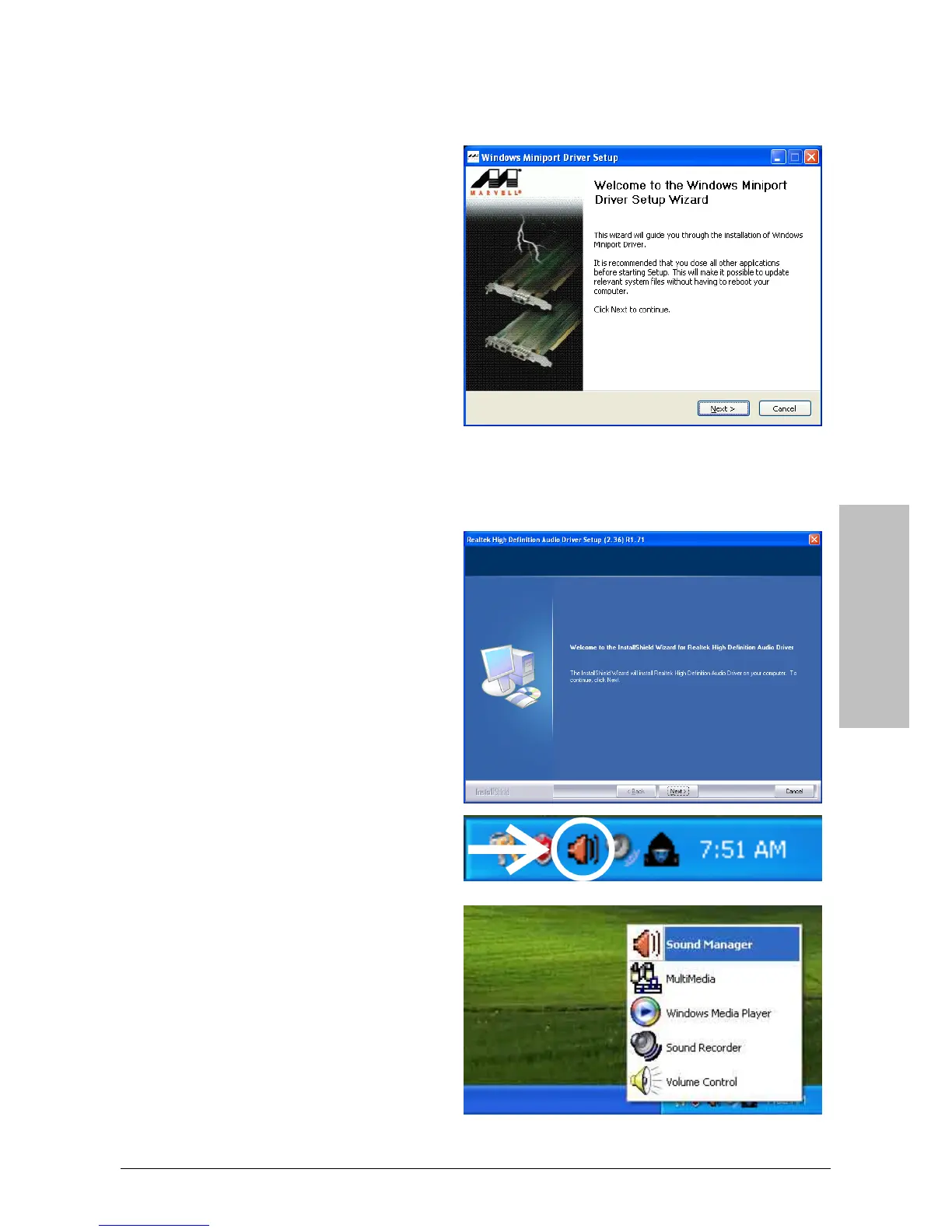
3.4 Marvel LAN Driver
To install this program:
1. Click on the [Drivers] tab in the
installation menu screen.
2. Click the [Marvell LAN Driver] item.
The installation screen appears.
3. Follow the prompts on the screen to
complete installation.
3.5 Realtek Audio Driver
To install this program:
1. Click on the [Drivers] tab in the
installation menu screen.
2. Click the [Realtek HD Audio Driver]
item. The installation screen appears.
3. Follow the prompts on the screen to
complete installation.
4. After restarting the system, right-click
the Sound Manager icon located at the
desktop shortcut. Click item “Sound
Manager”. The Realtek HD Audio
Manager appears.



 To Next Page