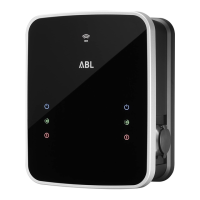
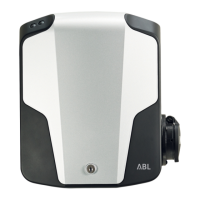
| Wallbox eMH2 – Charging procedure
24
NOTE
Operating the Wallbox eMH2 with or without backend
Depending on the model variant, the Wallbox eMH2 can be operated with or without a backend.
Master variant: A Master Wallbox eMH2 must always be operated with a backend.
Slave variant: A Slave Wallbox eMH2 may be operated with a Master and its backend, or, by
modifying its configuration, as a stand-alone wallbox without backend.
Stand-alone variant: A stand-alone Wallbox eMH2 is always operated without backend.
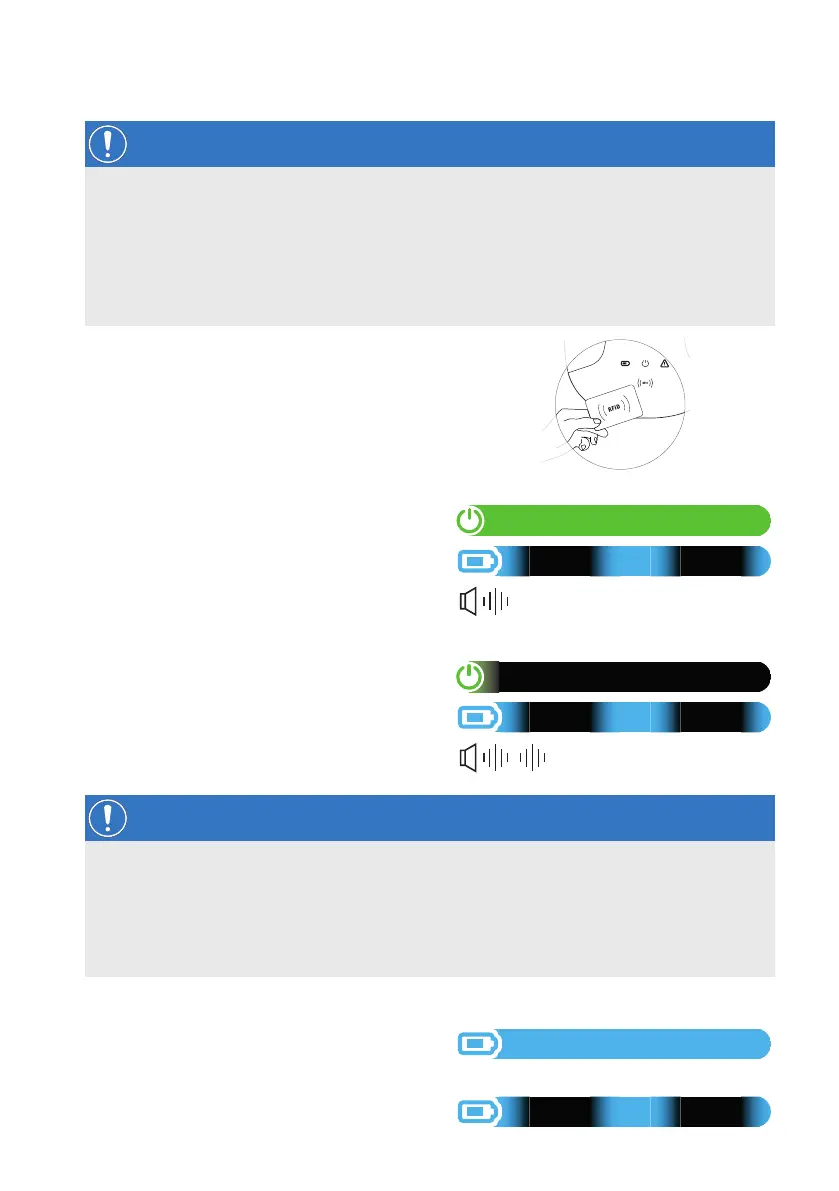
5 Place the RFID card included in front of the
RFID icon on the housing cover.
6 Check the LED indicators and acoustic signals
of the wallbox.
y During verification of RFID card
authorisation:
» The green LED is ON.
» The blue LED pulsates.
» The wallbox emits a short acoustic signal.
y When the RFID card is accepted:
» The green LED turns OFF.
» The blue LED pulsates.
» The short acoustic signal is emitted
twice.
NOTE
Authorisation of the RFID card is refused
If the RFID card is rejected, the red LED flashes and a long acoustic signal is emitted.
Operating the wallbox with a backend: Please contact the issuer of the RFID card.
Operating the wallbox without backend: Make sure that the RFID card has been registered at
the RFID reader. You can find further information in the comprehensive installation manual.
7 Check the LED indicators of the wallbox:
y When the wallbox initiates the charging
procedure following a request by the
vehicle, the blue LED is ON.
y When the charging procedure is paused or
completed, the blue LED pulsates.


 To Next Page