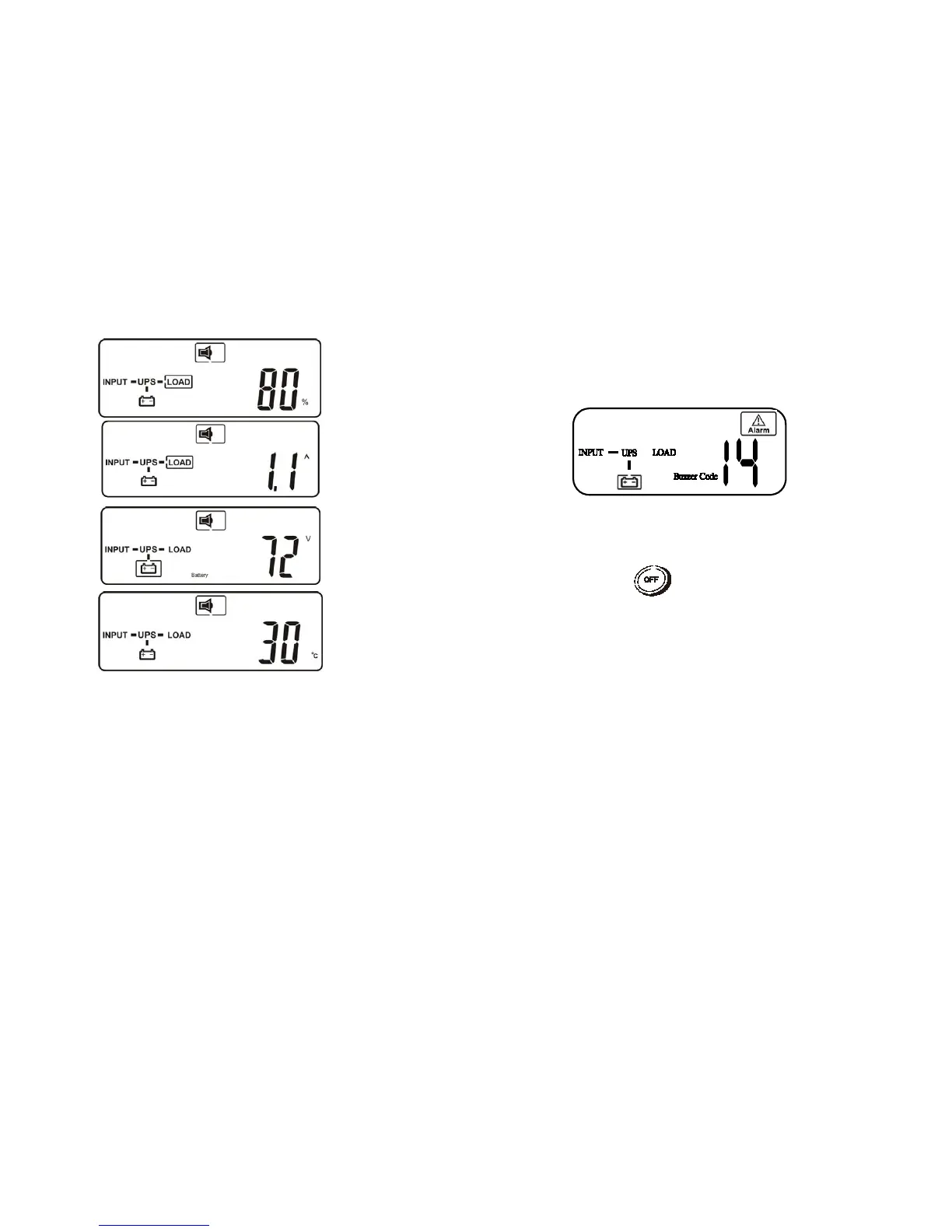
4.3.2.4 UPS Locked up
J
UPS may lock itself up while there was critical abnormal or failure
condition happened. User may see LCD display as below figure-N.
K
N
The procedures to release UPS from locked up status are as below:
L
(a) Check and record the error code.
(b) Check user’s manual to understand possible cause, solve the problem
or call service provider.
(c) Press OFF key and hold for 5 seconds until twice beep heard.
(d) Unplug AC input power cord or turn off power source switch.
M
(e) After UPS completely shut off, UPS is unlocked.



 To Next Page