3.
Product Installation
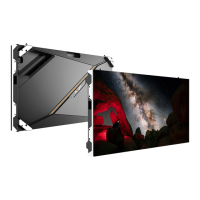
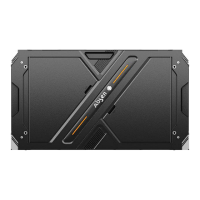
KL series supports front mounting of backing strip and mounting of connecting plate.
⚫
Front Mounting of Backing Strip
Step 1: The two rows of modules at the top and bottom of the panel can be removed in advance
for front installation preparation.
Step 2: Install the back strip to the panel with matching screws.
1.
Assemble the panel and back strip
2.post-assembly



 To Next Page
 Loading...