– 29 –
Settings, Troubleshooting
GB
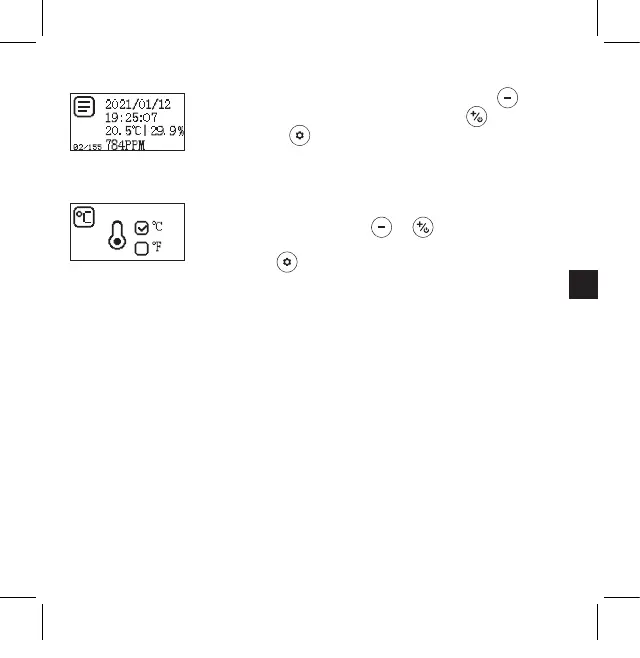
View alarm history
1. Move to the previous entry by pressing the button
and to the next entry by pressing the button
2. Press the button to exit and return to the main
settings menu
Set temperature unit
1. Select °C (degrees Celsius) or °F (degrees Fahrenheit)
by pressing the button or
2. To exit and save the selected settings, press the
button and go back to the main settings page
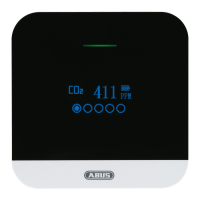
Troubleshooting tips
1. The device will not switch on
→ Check that the power supply unit is powered and that the meter is rmly
plugged in.
2. Low battery power
→ Charge the battery for more than 24 hours.
3. Slow response
→ Check that the airow channels on the back of the meter are not blocked.
4. The detector displays "Sensor error"
→ Contact your dealer.
Kohlendioxidmelder_CO2WM110_Manual_3.indd 29Kohlendioxidmelder_CO2WM110_Manual_3.indd 29 04.03.2021 16:46:4704.03.2021 16:46:47


 To Next Page