Introduction
14
Note
The plug-in contains the video decryption software
for displaying live streams on your web browser.
Subsequent firmware updates may mean that the
plug-in also needs to be updated on your PC in
future. The web interface may then prompt you to
re-install the plug-in.
Activate recorder
If you haven't already activated your recorder using
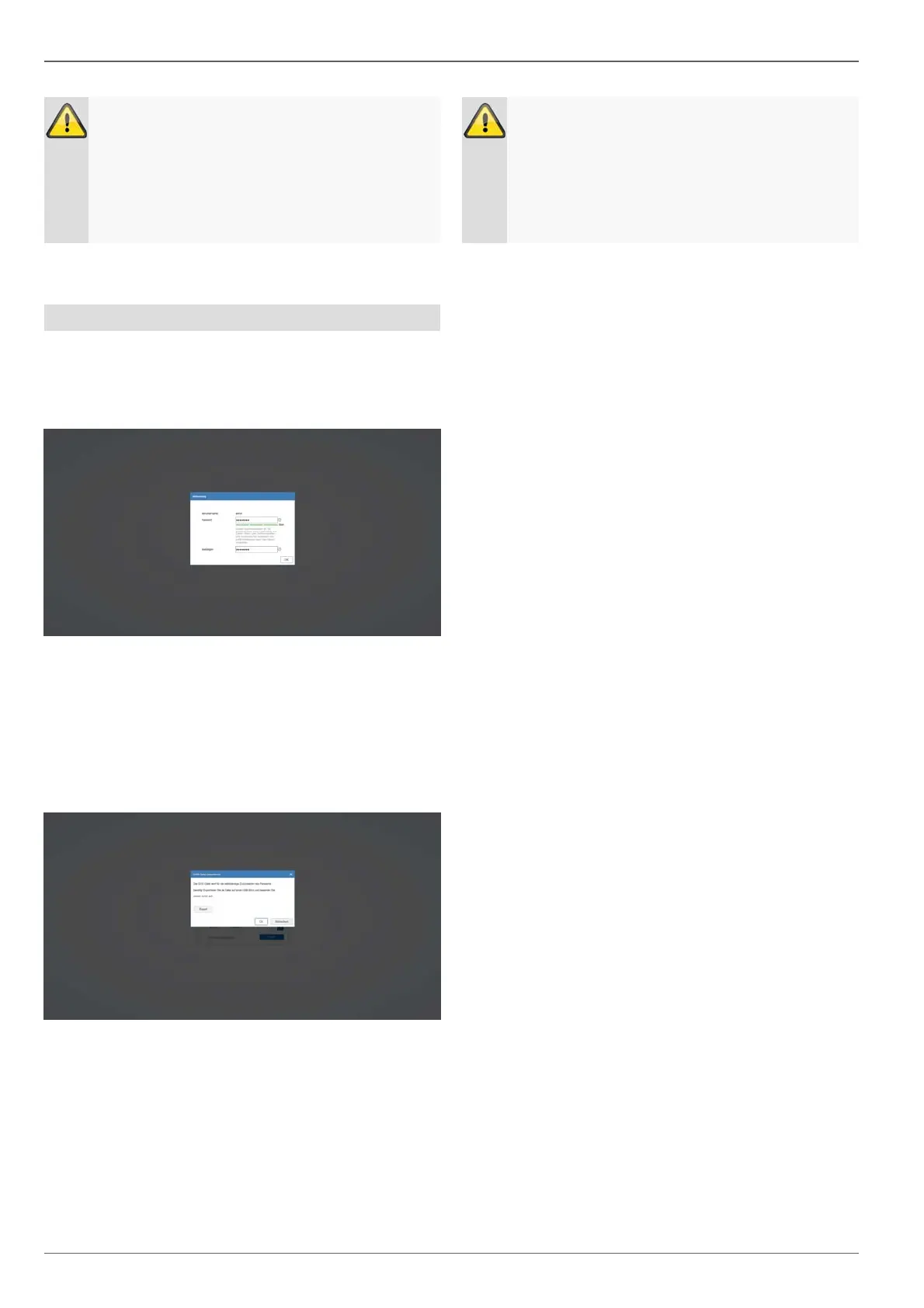
local access, the following login screen will appear the
first time you access the recorder via your browser:
- Username:Standardvalue"admin"
- Password:Selectapasswordthatissuitableforthe
validpasswordrange.Werecommendapassword
thatfallsintothe"Strong"category.
- Confirmyourpassword.
During the next step, you are asked to export the GUID
file that resets your password independently.
Please export this file to a USB stick that you are storing
in a secure, protected location.
Note
This GUID file is required so that you can reset
your password independently if you forget it.
If you do not export the GUID file or lose it, it will
no longer be possible to reset your password.
Please contact the service hotline immediately if
this happens.



 To Next Page