Image export
20
Image export
Image export
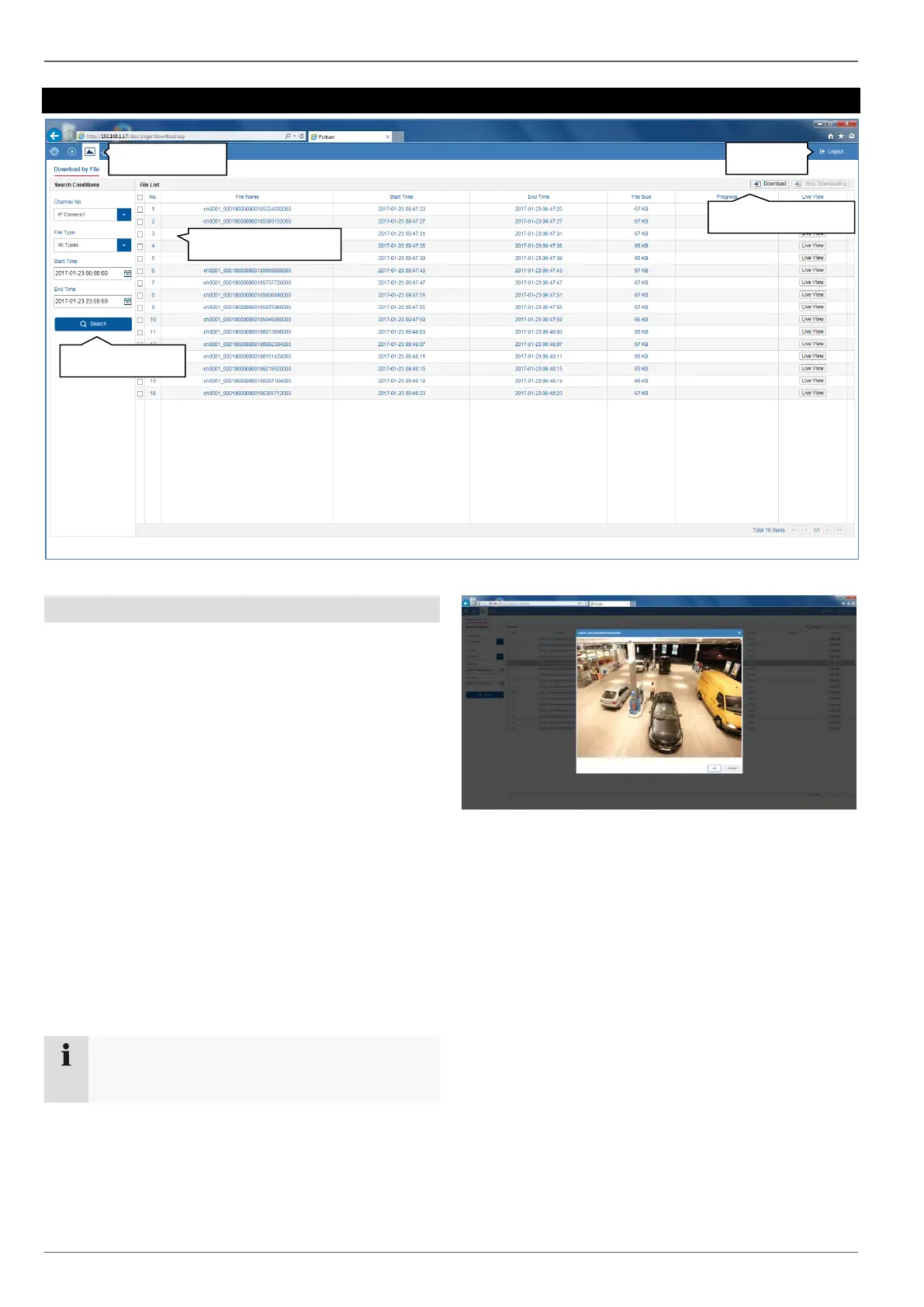
You can download the stored snapshot data from the re-
corder hard disk drive directly to your PC from here. Se-
lect one or more files and click the "Download" button to
start the data transfer.
There are several filter options available to narrow down
the result list of image files:
• Channel number (camera selection)
• File type (event selection)
• Start time
• End time
The default path for exported files is:
C:\Users\[USERNAME]\Web\
[USERNAME] is the name of the Windows user under
which the web interface is run.



 To Next Page