Select the device-specific camera
protocol used to establish communi-
cation between the recorder and the
camera. Here, you can select the
software interface (API), which may
differ depending on the manufac-
turer. For ABUS cameras, choose
"ABUS".
Specify the management port which
is used to establish the connection
between the camera and recorder.
For ABUS cameras, use port 8000 or
80.
Enter the user name for the adminis-
trator account for the camera.
Enter the password for the adminis-
trator account for the camera.
Select the transfer protocol.
Quick add
The "quick add" function prompts the recorder to first at-
tempt to detect all available cameras on the network, be-
fore automatically adding them.
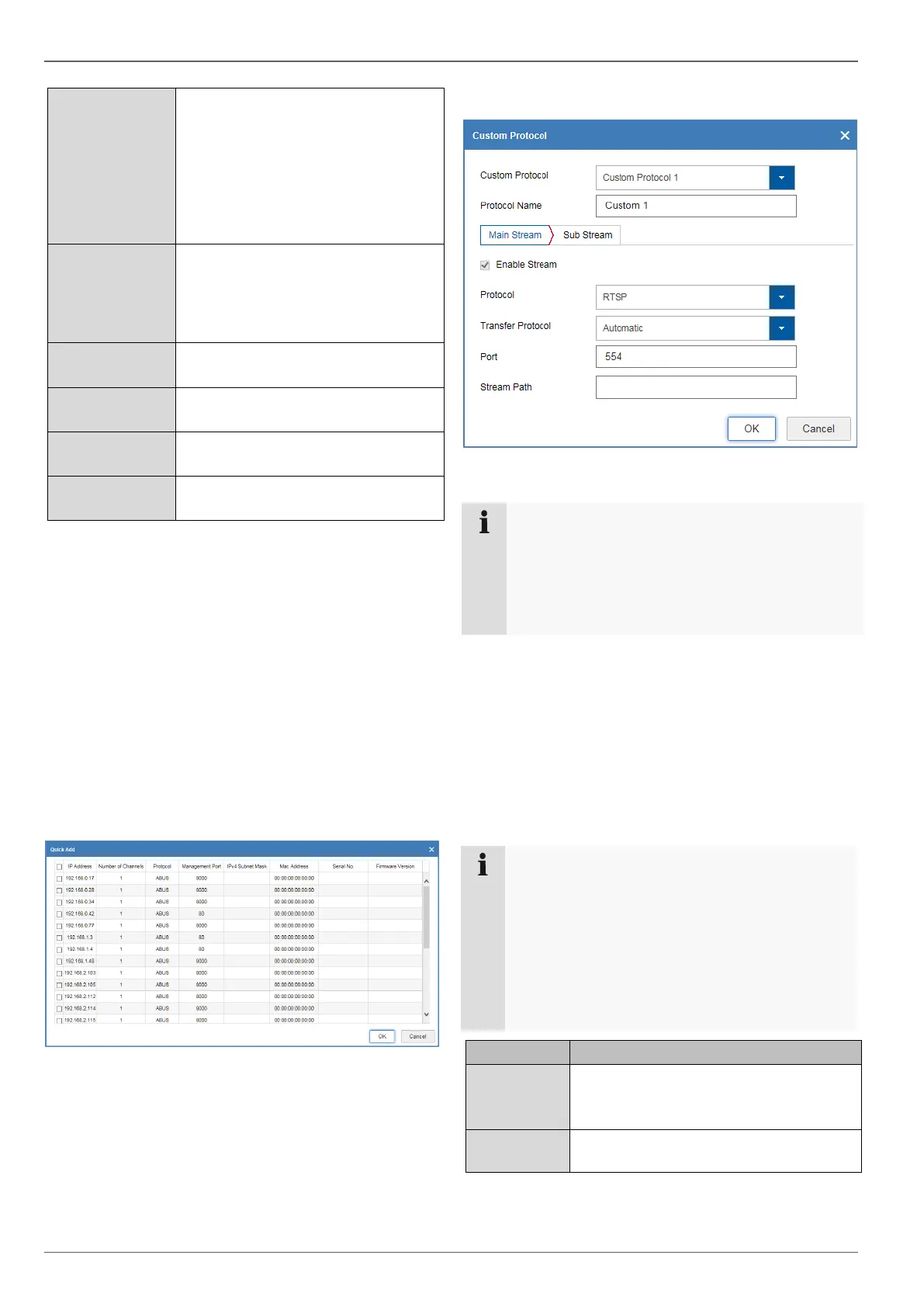
Select one or more cameras in the "Quick add" dialogue
using the button in the first column. When you confirm
with "OK", the recorder attempts to add these cameras as
described above.
Custom protocol
You can create a custom RTSP profile here, which can
then be assigned to a camera in the "Edit" menu.
Note
If you integrate a camera using RTSP, only the
video image from the camera will be available on
the recorder. Camera control functions (e.g. PTZ)
and motion detection are not supported.
Select a value between 1 and 16. The
settings will be saved here.
Note
In order to add cameras with the "quick add" func-
tion, the selected cameras must use the factory
settings for the network port and user name/pass-
word. If these parameters have already been
changed on the camera, the camera can still be
added, but the changed settings must be adapted
later in the "Camera management" menu using
the "Edit" button.



 To Next Page