Relative deviation between the start
and end time. Europe: 60 minutes
Configure the resolution of the local
video VGA/HDMI 1 output on the re-
corder here.
Configure the resolution of the local
video VGA/HDMI 2 output on the re-
corder here.
Maintenance
Upgrade and maintenance
Carry out a manual restart.
Reset the recorder back to its default
factory settings.
Export the device configuration and
network camera lists (programmed
cameras).
Import the device configuration and
network camera lists (programmed
cameras).
Perform a firmware update.
Select "All" or choose a targeted fil-
ter type. Different parameters for Fil-
ter2 are available depending on the
selection.
Detailed filter depending on the Fil-
ter1 selection
Use the report function to get more information about the
system if problems occur.
Camera management
New network cameras can be added to the recorder in
camera management, and the network configuration of
existing cameras can be edited.
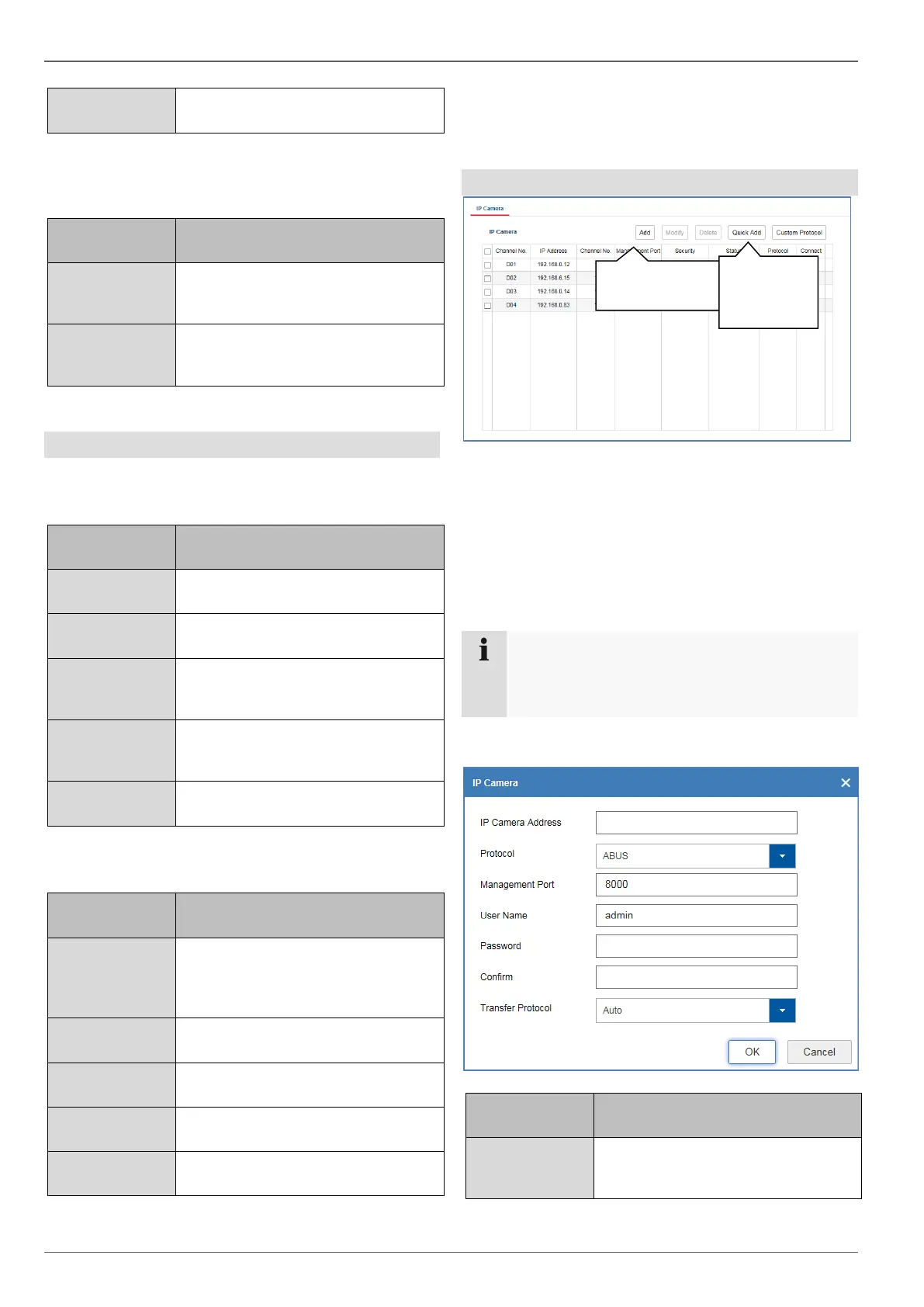
Add manually
Press the "Add" button to add a camera manually. You
must know the required network parameters of the cam-
era you wish to add.
Note
Use the ABUS IP installer to search for cameras
on your network. You can determine the neces-
sary parameters with this tool.
Describe the required parameters to successfully pro-
gram a camera on the recorder.
Enter the IP address of the network
camera here.
Example: 192.168.0.5



 To Next Page