All values below "Main stream" will be
used for the main stream (live+record-
ing).
All values below "Sub-stream" will be
used for the sub-stream (multi-view
live).
Use the auto setting, provided that there
are no special requirements.
Specify the RTSP streaming path on the
network camera
Note
You can usually find information on the RTSP
streaming path in the camera manual or on the
manufacturer's website. Ask the manufacturer di-
rectly when required if there is not enough infor-
mation on the path.
Typical layout of an RTSP streaming path:
rtsp://192.168.0.1:554/video.h264
The protocol followed by "//"
IP address of the camera, separated by
full stops
Colon followed by the RTSP port for the
network camera
"/" followed by the path and streaming
parameter
Note
If your camera supports several streams, we rec-
ommend using the high-quality stream for the
"Main stream" setting and an alternative stream of
a lower quality for the "Sub-stream" setting.
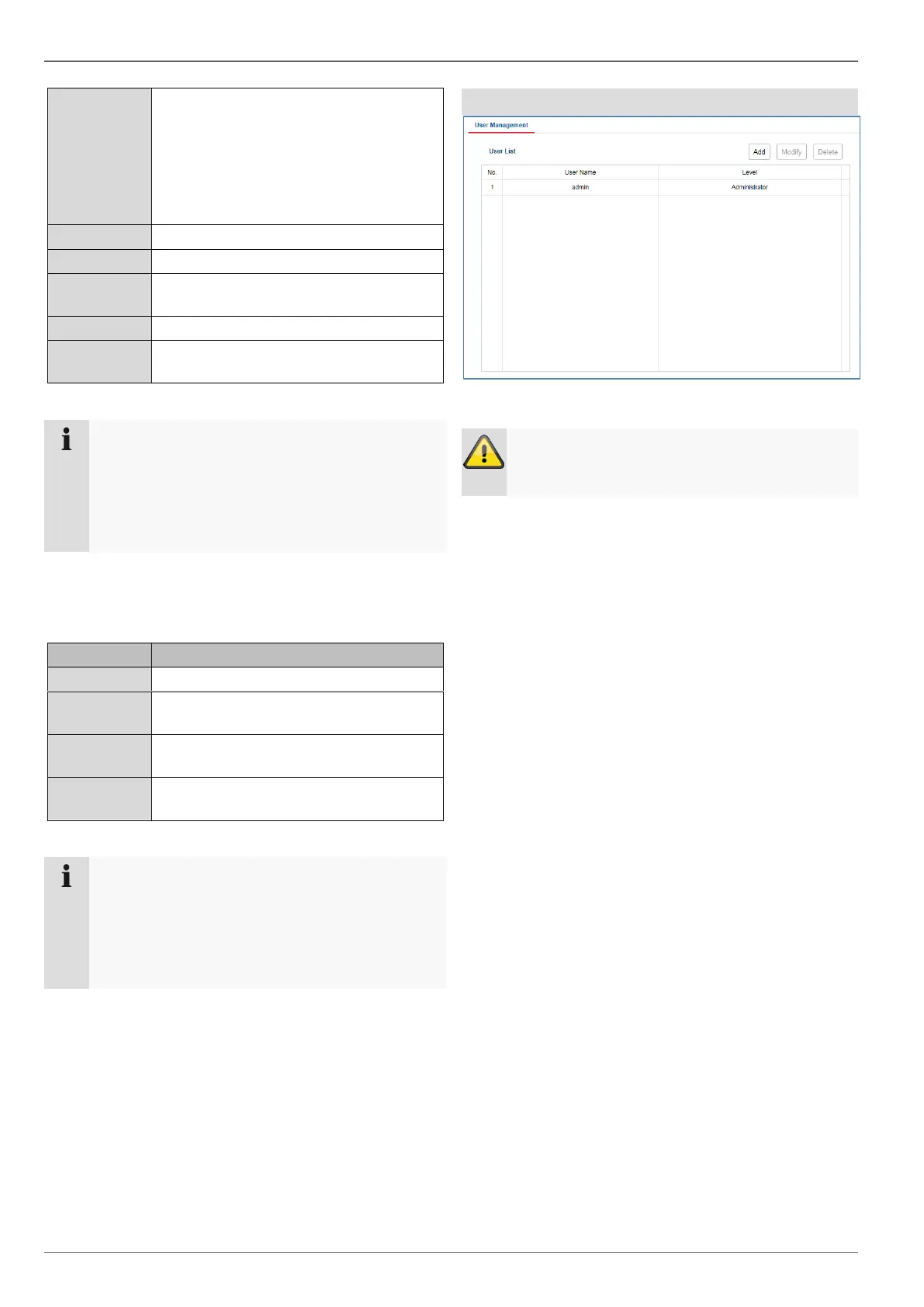
Managing users
In user management, you can add new users, delete us-
ers, and amend existing settings.
Warning
Change the default password when you first start
working with the system to ensure safe operation.



 To Next Page