6.3. Camera settings
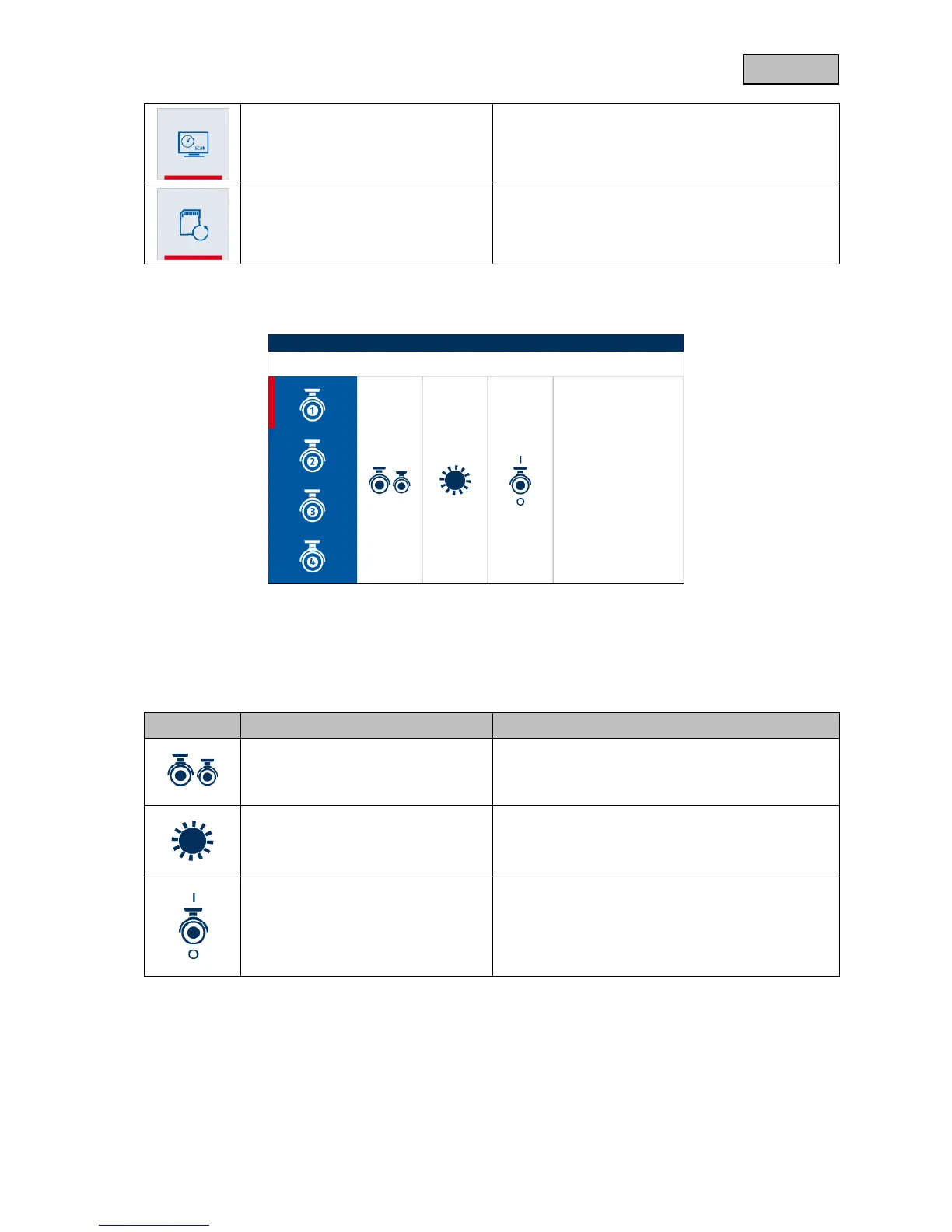
In the camera settings, select the required camera using the arrow keys VOL +/- and confirm your
selection with the menu button. Then select the various menu items with the arrow keys CH+/-.
You can leave the relevant menu items using the ESC key.
Press the menu button in order to start the pairing
process on the monitor, and then press the pairing
button in order to pair the camera with the system.
Press the arrow keys CH+/- in order to adjust the
brightness of the camera image.
Activate or deactivate the camera
Press the arrow keys CH+/- in order to either
activate or deactivate the camera.



 To Next Page