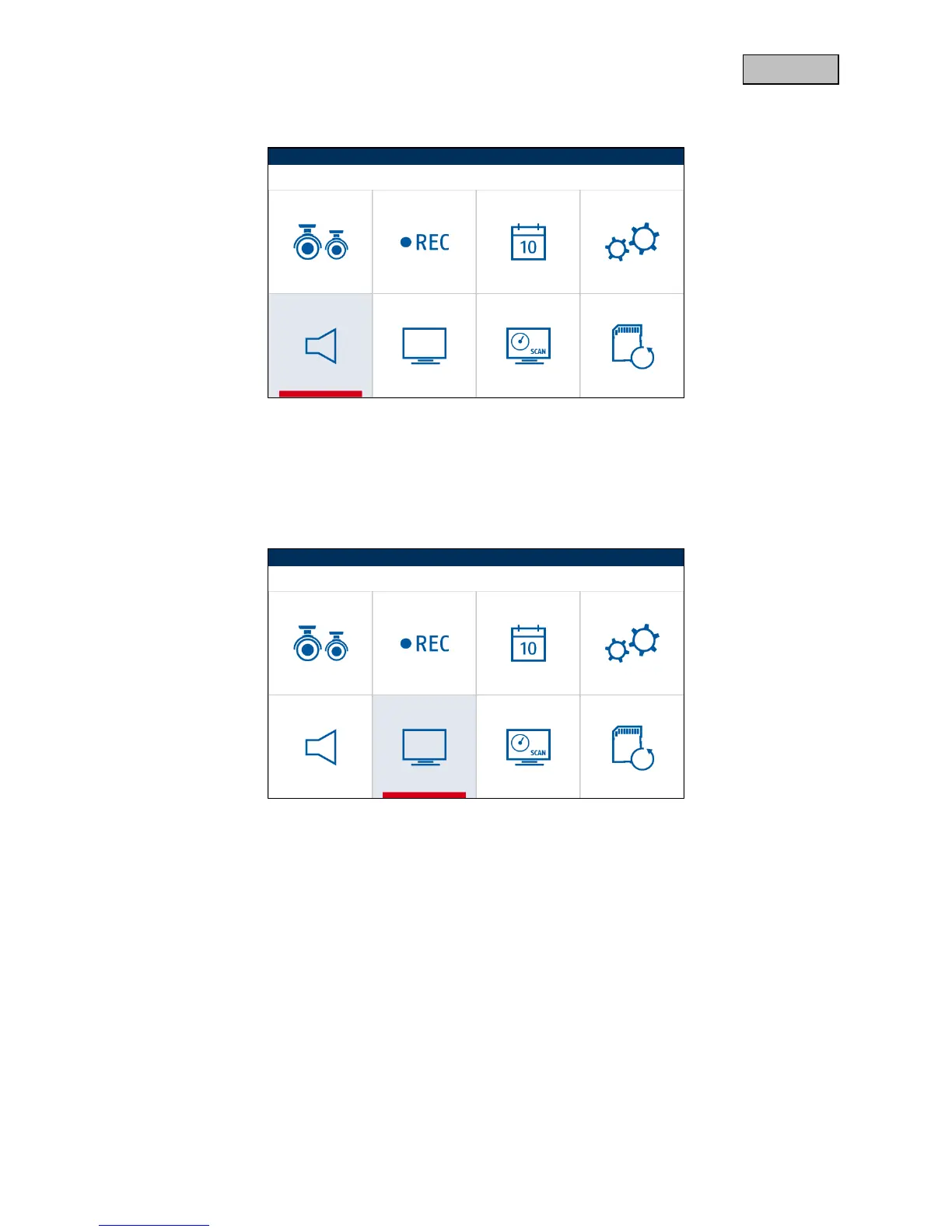
6.7. Audio alarm
Press the menu button to activate or deactivate the audio alarm.
The audio alarm is played as a warning by the monitor in the event that a camera detects motion, if the
schedule is set to motion.
6.8. Pan/tilt/zoom
Press the menu button to enter zoom mode.
You can then control the image using the arrow keys CH+/- and VOL+/-.
You can leave the zoom mode using the ESC key.



 To Next Page