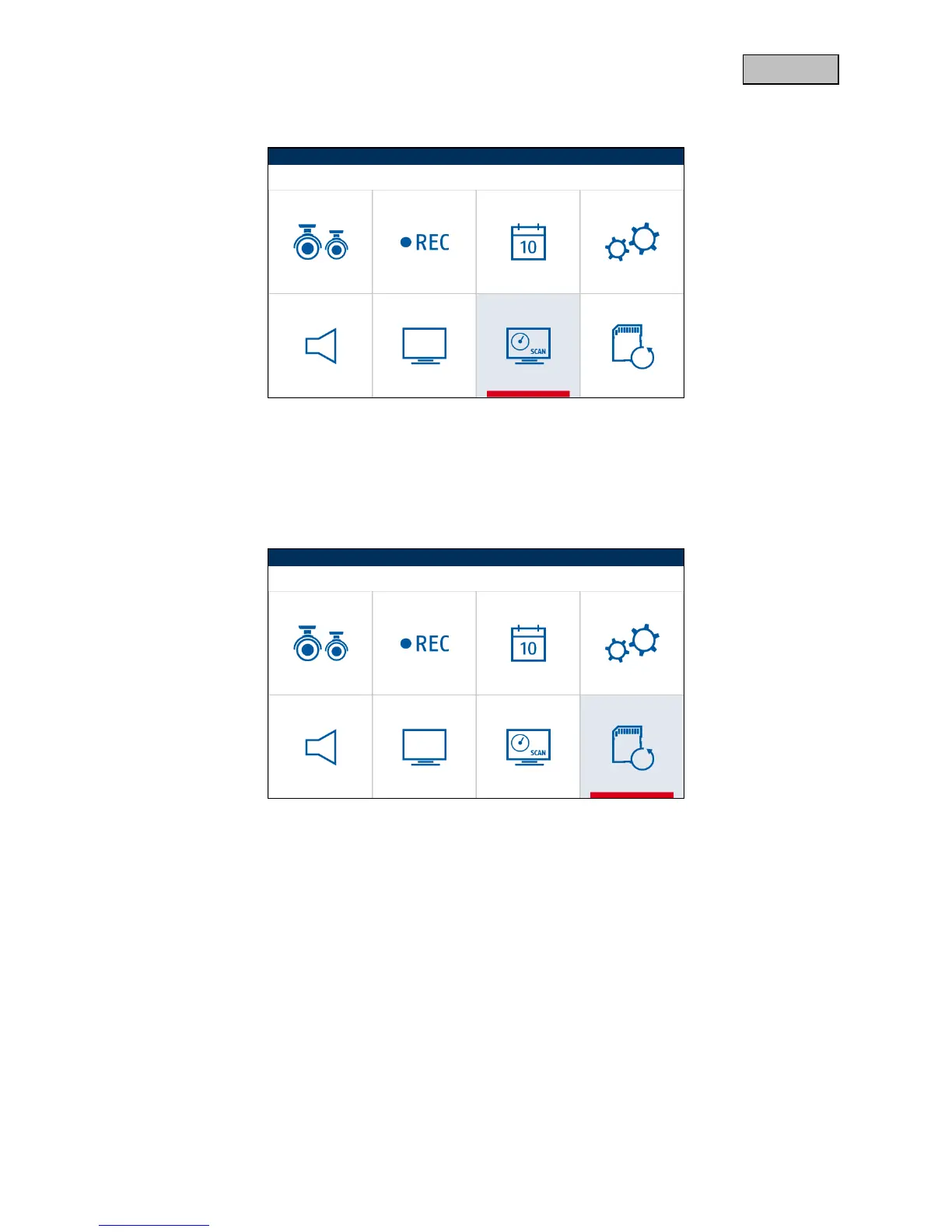
6.9. Sequence
Press the menu button to start the sequence mode.
All active cameras will be interchanged at 5 second intervals until you end the mode with the menu
button or until a motion has been detected.
6.10. Circular buffer
Press the menu button to activate or deactivate the circular buffer.
In the case of an active circular buffer, older recordings are overwritten as soon as the SD card is full.



 To Next Page