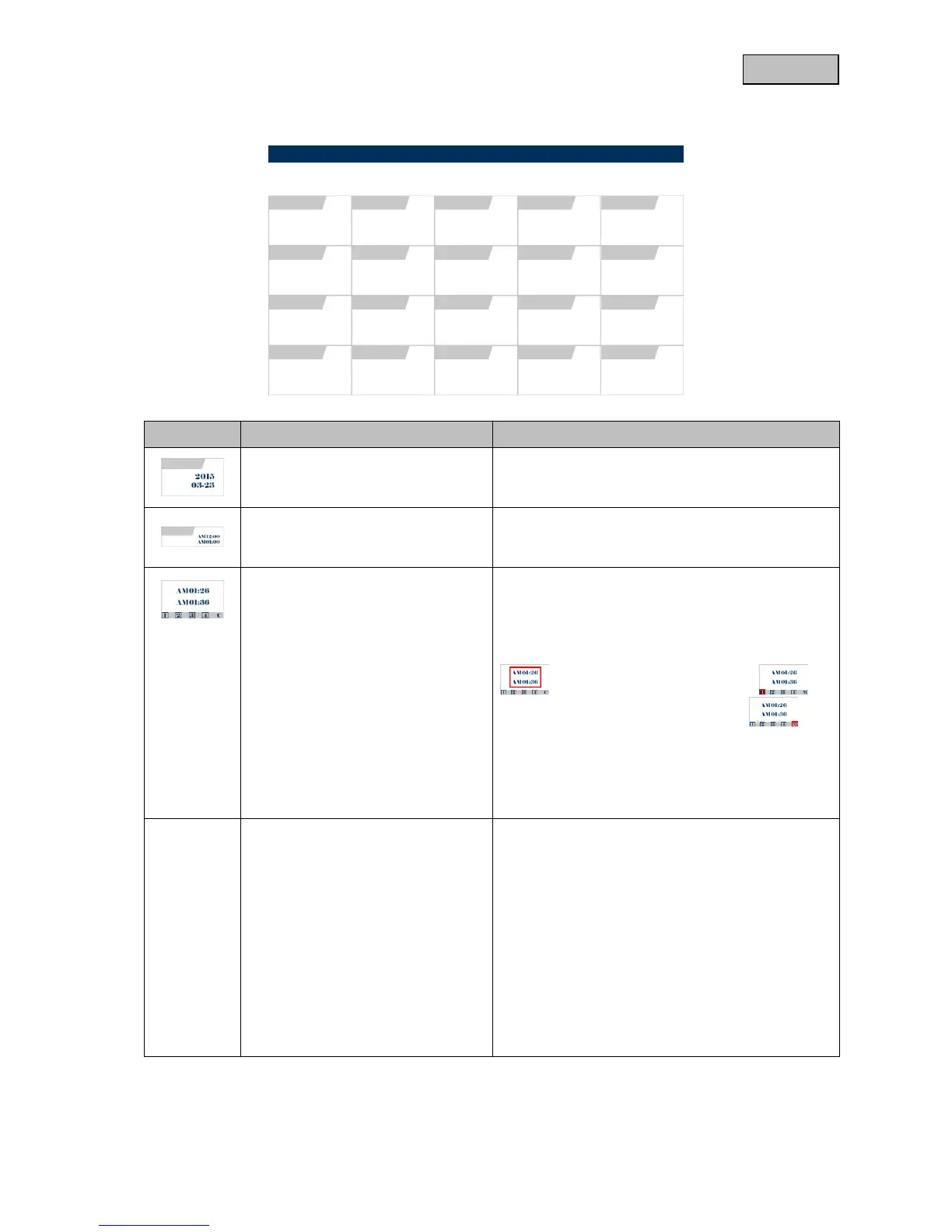
Use the arrow keys VOL+/- to select the required
date in the first level and press the menu button to
confirm.
Use the arrow keys VOL+/- to select the required
time in the second level and press the menu
button to confirm.
Use the arrow keys VOL+/- to select the required
recording in the third level and press the menu
button to confirm.
In each case the file shows the recorded period
, which cameras were recording
and which type of recording was used .
C = manual recording
M = motion detection recording
S = continuous recording
For general control in the playback, refer to menu
item 4.1.
By default, a 4x view is always used for the
playback of a file.
Press the menu BUTTON in order to pause the
playback, and press the arrow keys CH+/- in order
to select the various cameras.
For playback via the system software, refer to
menu item 7.



 To Next Page