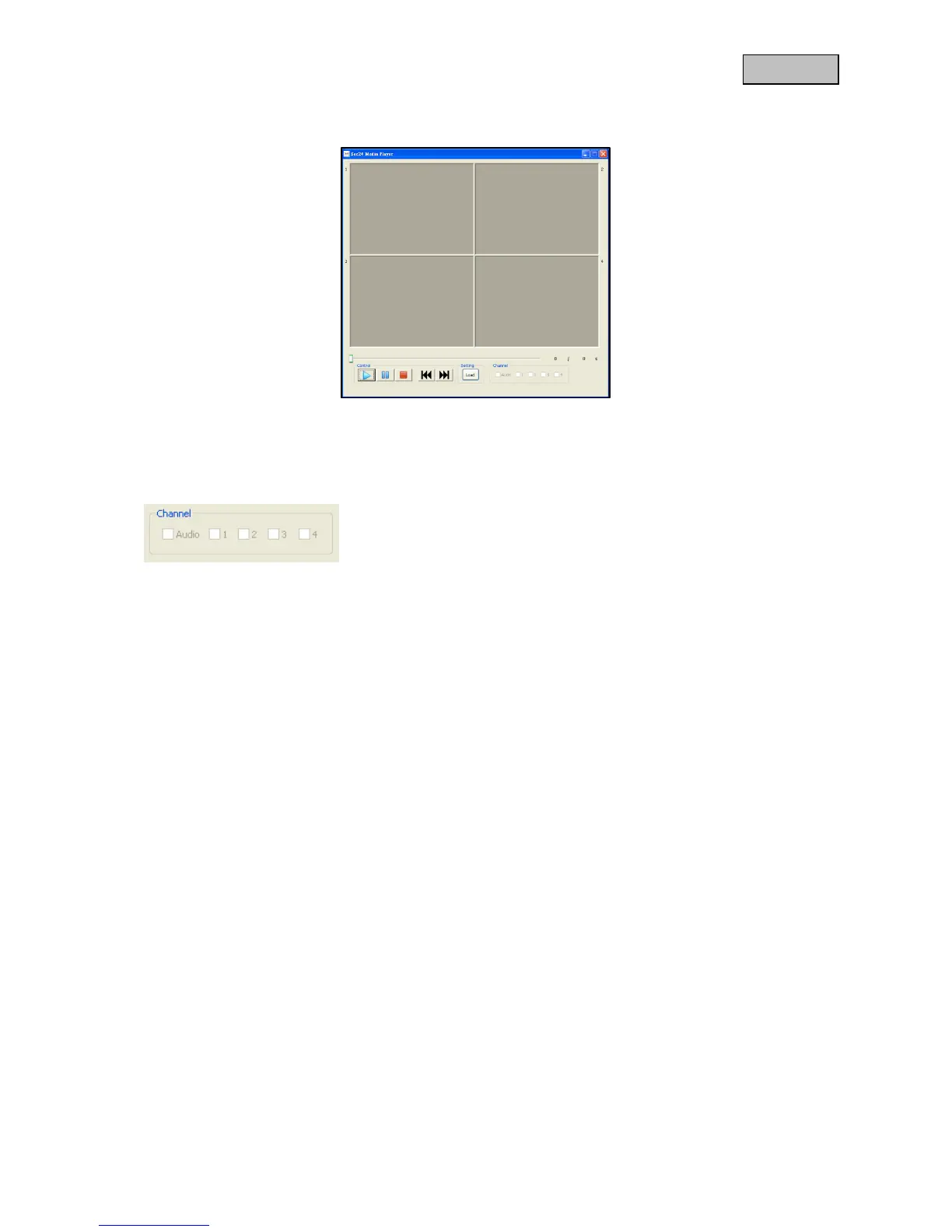
7.3. playback
Click on "Load" to import and playback recordings. In order to do this, the recordings (SNX files) must
have been saved from the Micro SD card onto your PC.
Activate/deactivate channel.
During the playback, all 4 cameras are played back in the four-fold view with audio. During the
playback, you can select individual channels or switch the audio on/off.
Select 1 to play back channel 1.
Select 2 to play back channel 2.
Select 3 to play back channel 3.
Select 4 to play back channel 4.
As soon as more than one channel has been selected, the playback will switch back to the four-fold
view.



 To Next Page