6.2 Main menu
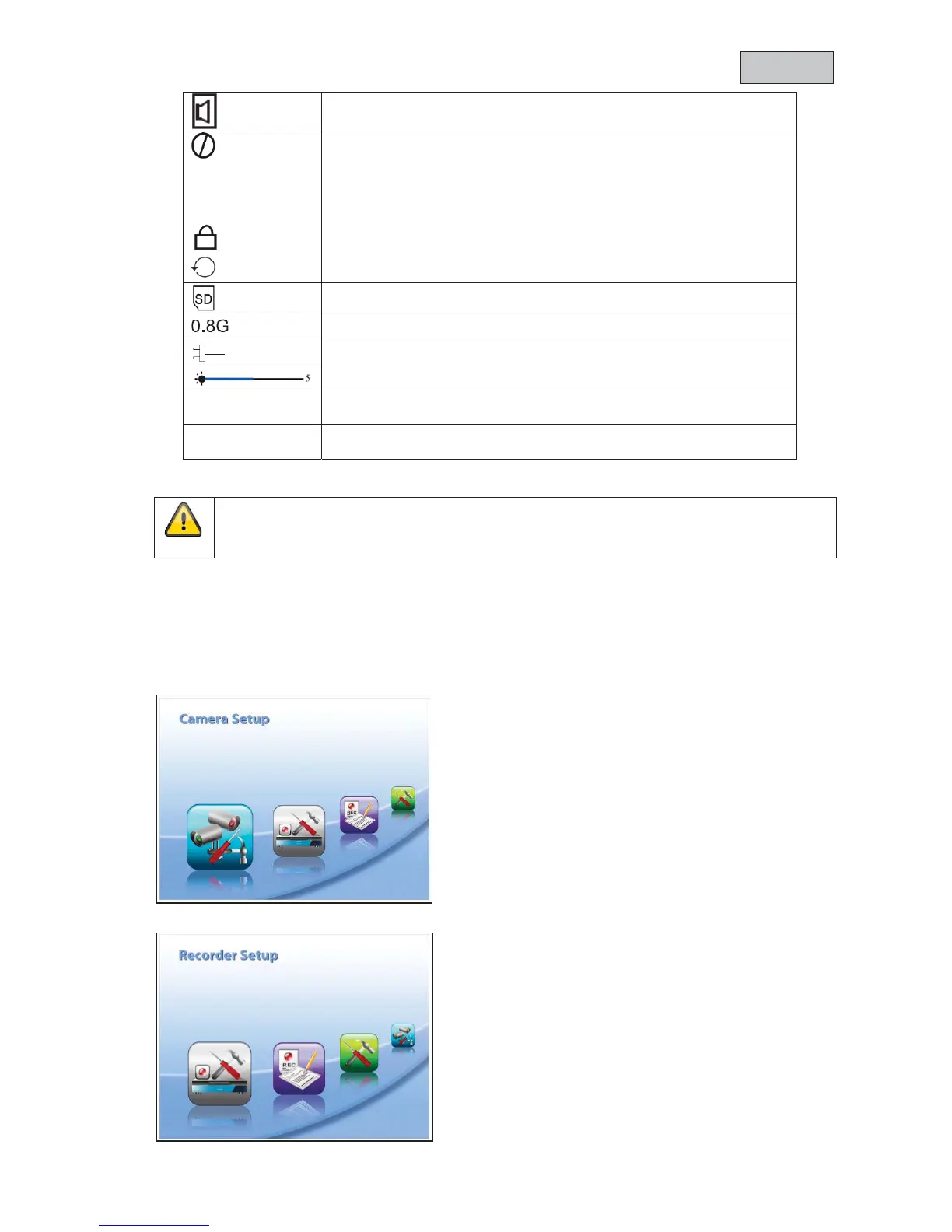
Press MENU to open the main menu. You can use the arrow buttons to switch between menu items.
You can choose between the following
Camera-Setup:
Camera on/off = show/hide camera
Camera Brightness = brightness of camera
Pairing = add camera
Resolution = image resolution
Recorder Setup:
Alarm Period = length of alarm when motion is detected
Motion Detection = motion detection
SD Card Overwrite = SD card circular buffer



 To Next Page