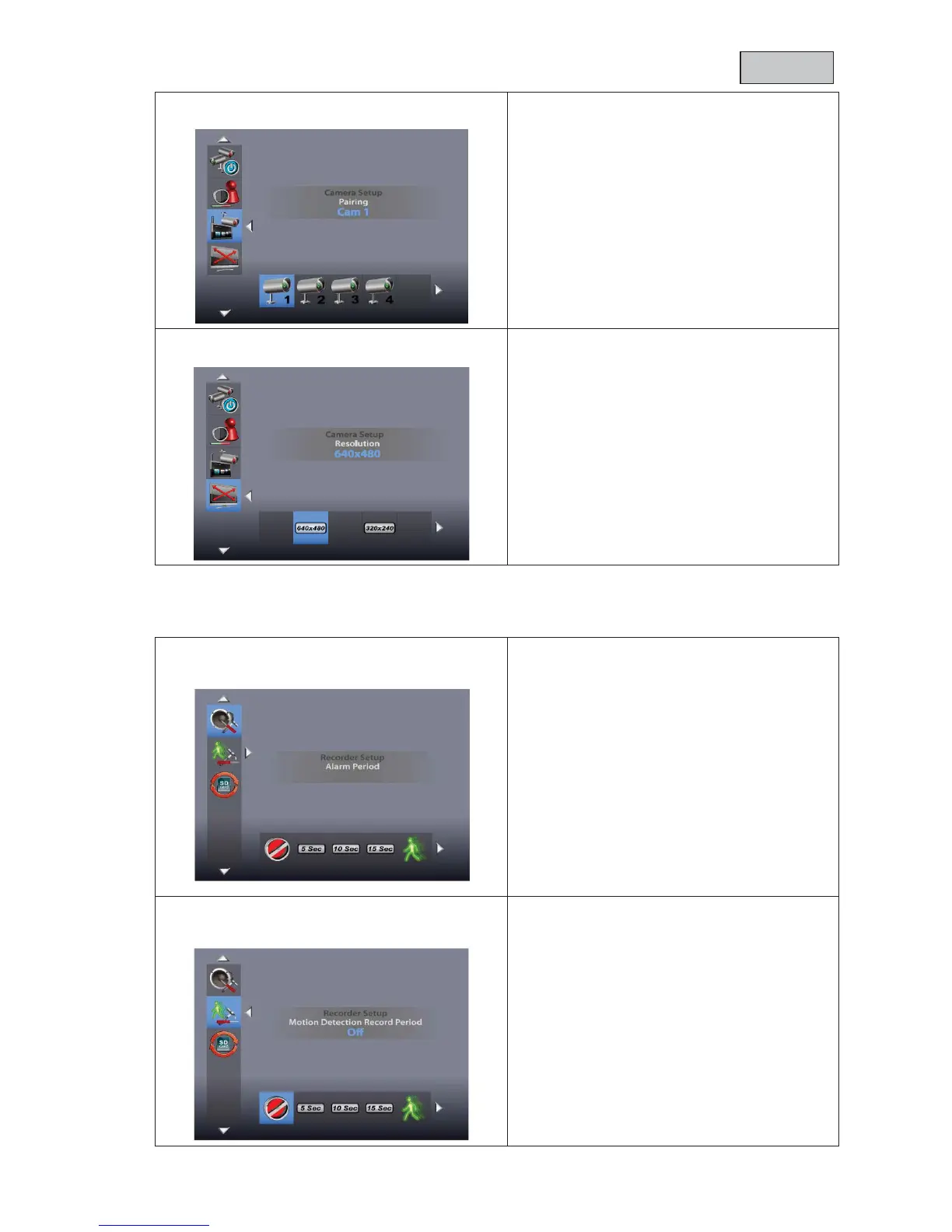
Use the ◄► buttons to select the desired
camera and confirm your choice with OK. The
systems starts a 60 second countdown.
During the 60 seconds, press the PAIRING
button on the camera cable until the green LINK
LED on the front of the camera starts to flash.
Once the connection is successful, the
LINK
LED on the camera lights up continuously
and the monitor switches to live view
Resolution = image resolution
Use the ◄► buttons to select between the
resolutions
240. Confirm your input
with OK.
Note that the recording time
length of alarm when motion is detected
Use the ◄► buttons to select the desired alarm
duration.
You can choose between OFF/5
sec/10 sec/15
sec. Confirm
The alarm duration is set to 5
Press any button to switch off the alarm when it
sounds.
recording duration for motion detection
Use the ◄► buttons to select the recording
duration for motion detection.
Confirm your input with OK.
The recording duration is set to 5
Motion detection is deactivated for 5 seconds
after an alarm.



 To Next Page