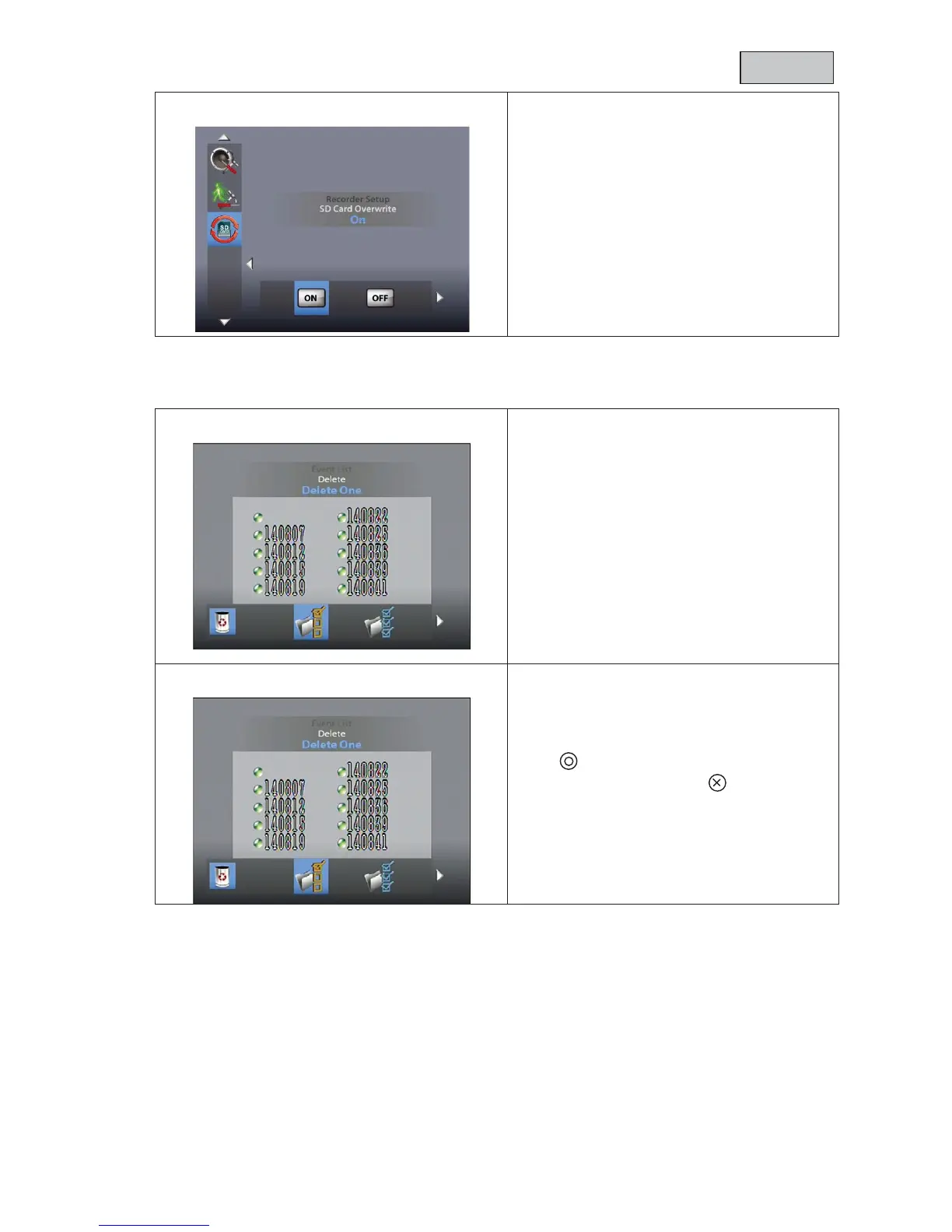
SD Card Overwrite = SD card circular buffer
Use the ◄► buttons to activate (ON) or
deactivate (OFF) the SD card circular buffer.
Confirm your selection with OK.
The circular buffer is activated by
When the memory capacity is reached, the
monitor continues to record, deleting the
oldest recordings on t
The SD card capacity display flashes with 0.0
G in red.
Use the arrow buttons to navigate between
folders. Press the OK button to select the
desired folder.
-folder, choose the relevant r
ecording
file and play it by pressing OK.
forward or rewind at the
speeds 2
Note that the maximum recording time for a
manual recording is 10
minutes. Once this time
elapses, a new file is created.
Press DEL to enter deletion mode.
The current file or folder flashes. You can use
the
◄► buttons to select all or one file.
Press OK to confirm your choice.
To cancel the deletion, select



 To Next Page