7.3.3 Deleting recordings
There are three ways to delete files from the SD card:
1. Press the symbol in the event list. Delete the file by pressing the button. To cancel the procedure,
press the x button.
2. Format the SD card on the monitor at the “System” > “Format memory card” menu item.
3. Delete the SD card on the computer
7.4 Settings
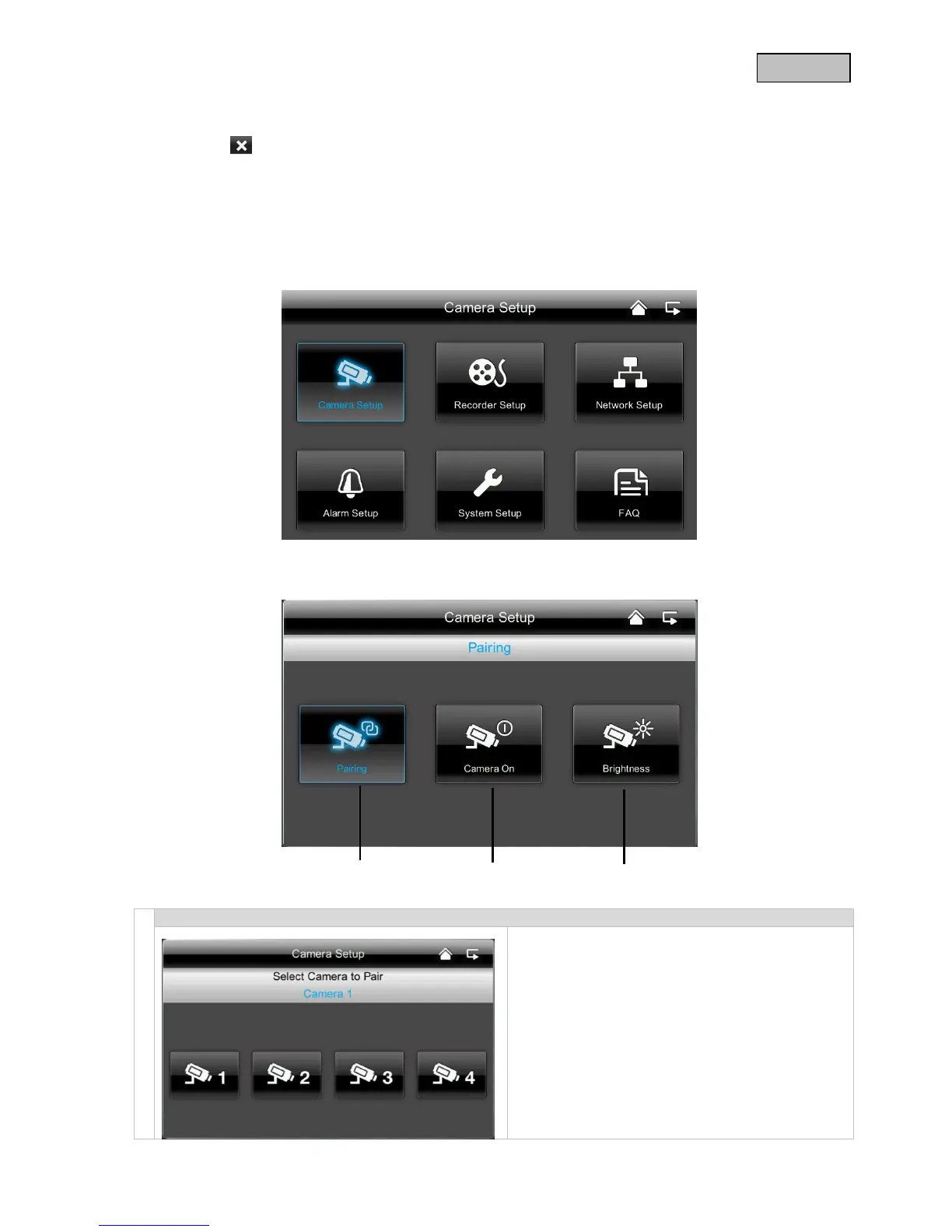
At the “Settings” menu item you can select the following items:
7.4.1 Camera settings
Selecting cameras to pair
1. Select the required camera (1-4). The system
counts down from 60 seconds.
2. During the 60 seconds, press the PAIRING
button on the camera cable until the green LINK
LED on the front of the camera starts flashing.
The LINK LED is lit up continuously once the
connection is established.



 To Next Page