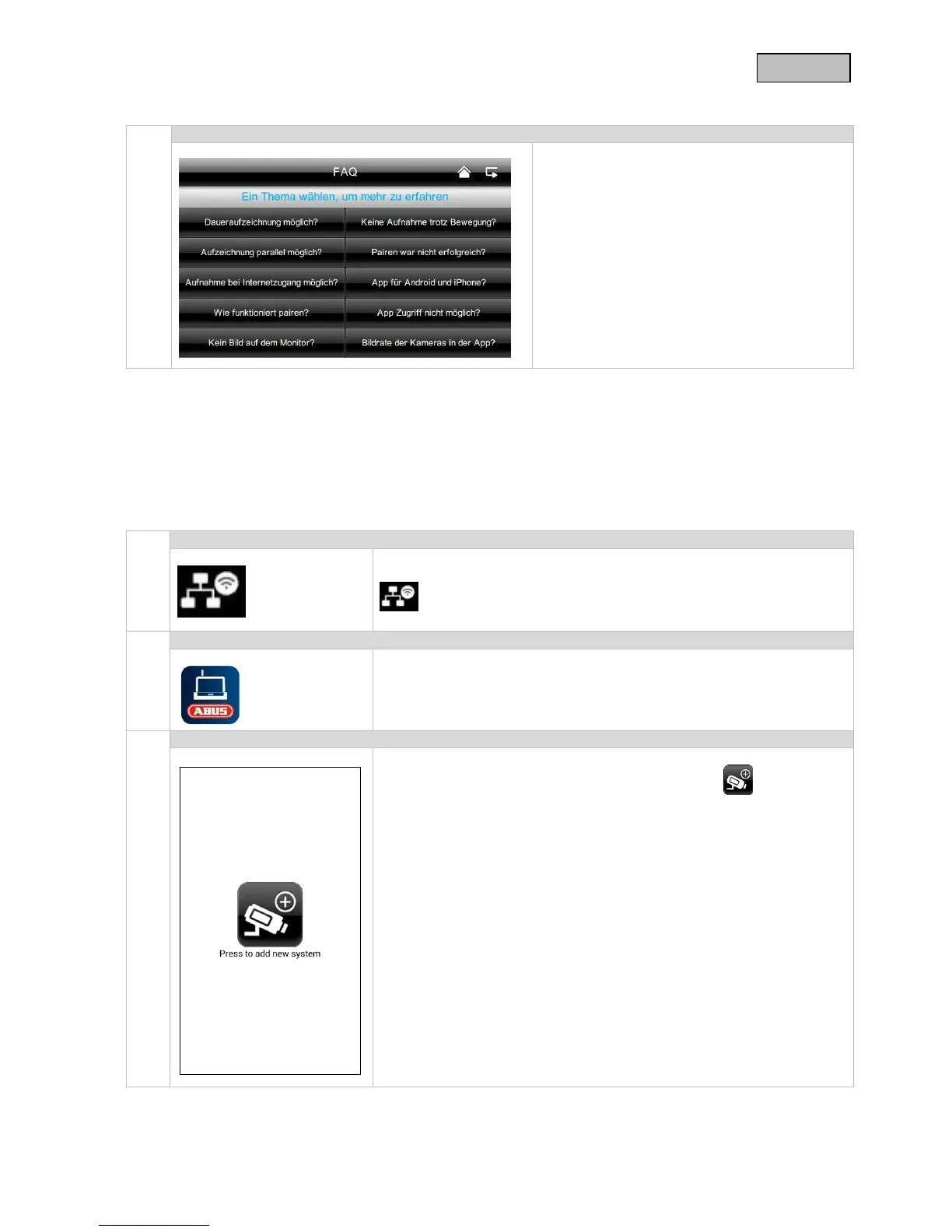
7.4.6 Troubleshooting (FAQ)
Here you can read about troubleshooting tips
directly on your monitor.
Select the question to view the help message.
8. Remote access via app
This 7" touch screen wireless monitor gives you the option of switching live to your cameras.
The app for this device can be found in the App Store under the name of “TVAC16000”.
If you want to access the live picture when you are out and about, proceed as follows:
Make sure that the monitor is in the docking station, the mount is
connected to the internet, the connection to the internet is established
and you have made all the relevant network settings at 7.4.3 and
on your router.
Download the “TVAC16000” app and install it on your smartphone.
Open the app on your mobile phone and click on the symbol to
add your TVAC16000 system.



 To Next Page