27
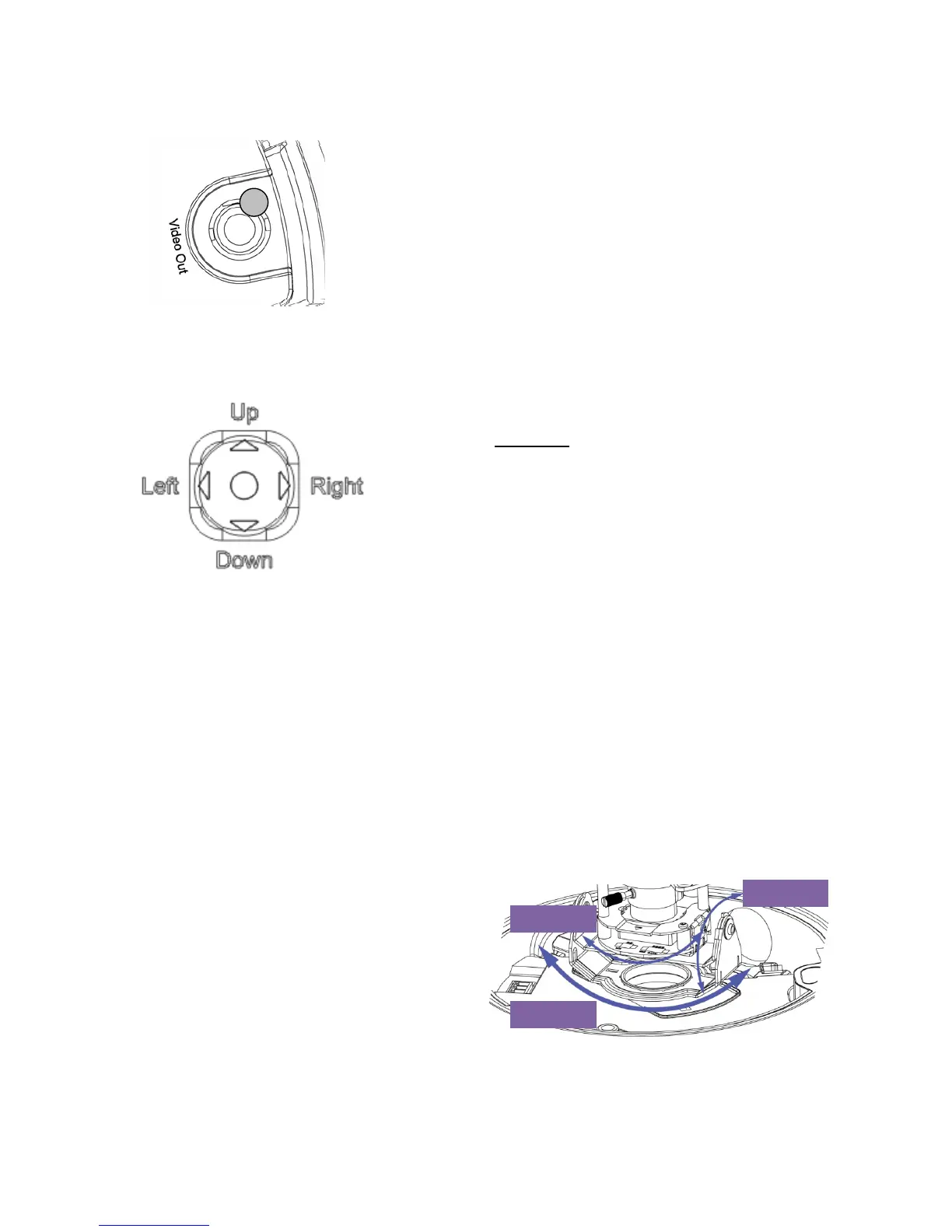
Second video output (for service purposes)
3 – video output (secondary, service), cinch
(female), FBAS 1.0 Vss
Joystick for the OSD control
4 – Joystick for the OSD control
Functions:
(a) Enter : Enter menu / Perform action
(b) On: Navigation in the menu
(c) From : Navigation in the menu
(d) Left : Decrease value / Select option
(e) Right : Increase value / Select option
The OSD menu (on-screen display) is opened by pressing the joystick. You can find more
descriptions under the following point in the user guide.
6.5 Connecting the video cable
In order to transmit the video signal from the HD-SDI camera to an HD-SDI converter, monitor or
recorder, an RG6 or RG59 coaxial cable with a BNC plug (male) must be connected to the video
output. The cable length to the next device may not exceed 80 meters (RG59) or 150 meters (RG6).
To increase the range, you can install suitable signal HD-SDI repeaters.
6.6 Aligning the camera module
The camera module can be tilted and rotated
along three axes.
Pan:
Rotation of the entire camera module
Tilt:
Tilting of the camera module
Rotation:
Rotation of the lens with image
sensor and IR PCB (third axis)
3
Rotation
Pan
Tilt:


 To Next Page