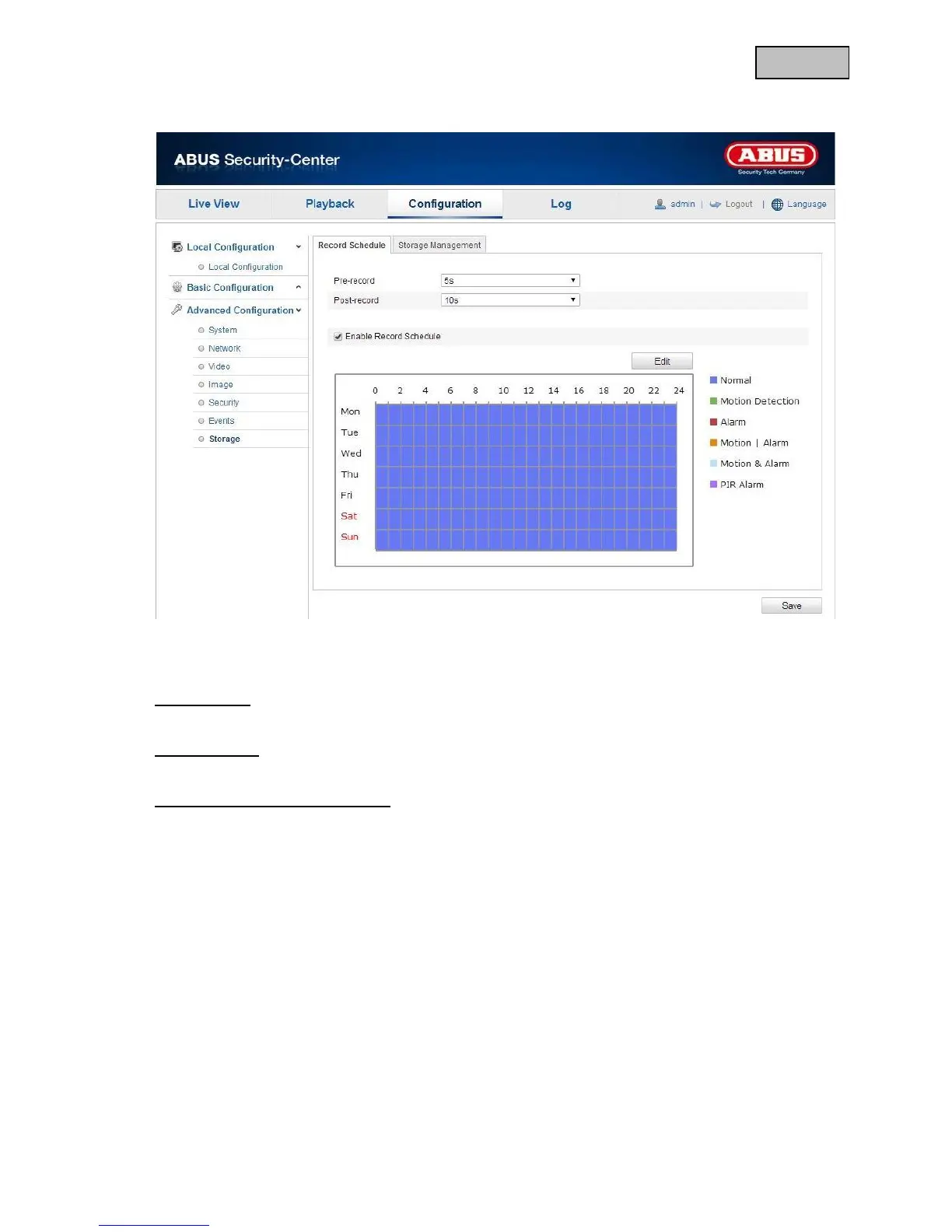
12.3.7.1 Recording schedule
You can make the configuration for time and event-controlled recordings here to save them on the micro
SD card.
Pre-recording
Here you can set the duration for recording picture data before an event.
Post-recording
Here you can set the duration for recording picture data after an event.
Activating the recording schedule
Activate the schedule so that you can save the required schedule.
To save the schedule, click on “Edit” and a new window opens.


 To Next Page
 Loading...











