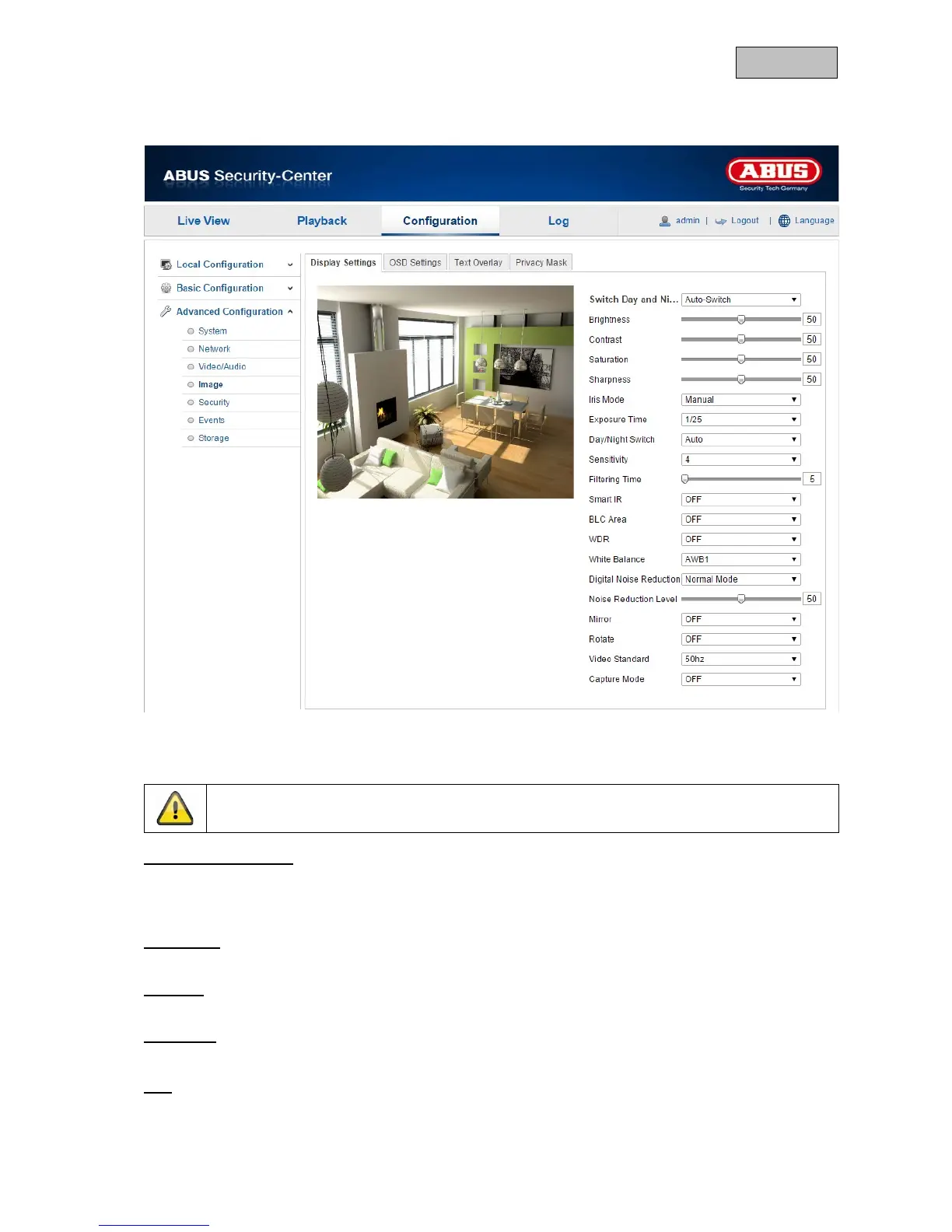
12.3.4.1. Display Settings
You can use this menu item to set the picture quality of the camera, including brightness, sharpness,
contrast, etc.
Switch Day and Night
Here, you have the option between automatic day & night switch and the scheduled switch. A start
and end time must be saved for the day mode here.
The following settings can be made individually for the day or night mode.
Brightness
Image brightness settings. A value between 0 and 100 can be set.
Contrast
Image contrast settings. A value between 0 and 100 can be set.
Saturation
Image saturation settings. A value between 0 and 100 can be set.
Hue
Setting for the image hue. A value between 0 and 100 can be set.
112



 To Next Page